For the complete documentation index, see llms.txt. Markdown versions of all docs pages are available by appending .md to any docs URL.
Publish a prompt
Create a prompt and publish it to the registry catalog.
About prompts
Prompts are reusable, versioned text strings that serve as system instructions for agents. Instead of hardcoding instructions in agent code, you can publish prompts to agentregistry and reference them in your agent’s agent.yaml file. When the agent runs, the prompt content is automatically resolved from the registry and used as the agent’s instruction.
Before you begin
Install agentregistry on Kubernetes.
Create a prompt
Create a prompt by using the built-in scaffolding capability in agentregistry.
arctl init prompt code-review \
  --description "System prompt for code review agent" \
  --content "$(cat <<'EOF'
You are an expert code reviewer. When reviewing code:
1. Check for bugs and logic errors
2. Identify security vulnerabilities
3. Suggest performance improvements
4. Ensure code follows best practices and is readable
5. Be constructive and specific in your feedback
EOF
)"
Example output:
🚀 Next steps:
  1. Edit code-review.yaml (optional)
  2. Publish to the registry:
     arctl apply -f code-review.yaml
Review the prompt template that was created for you. You can optionally make changes to your template.
cat code-review.yamlExample output:
apiVersion: ar.dev/v1alpha1
kind: Prompt
metadata:
  name: code-review
spec:
  content: |-
    You are an expert code reviewer. When reviewing code:
    1. Check for bugs and logic errors
    2. Identify security vulnerabilities
    3. Suggest performance improvements
    4. Ensure code follows best practices and is readable
    5. Be constructive and specific in your feedback
  description: System prompt for code review agent
Publish the prompt
Publish the prompt in the registry catalog.
arctl apply -f code-review.yamlExample output:
✓ Prompt/code-review (latest) createdVerify that the prompt is created.
arctl get promptsExample output:
NAME          TAG      DESCRIPTION
code-review   latest   System prompt for code review agent
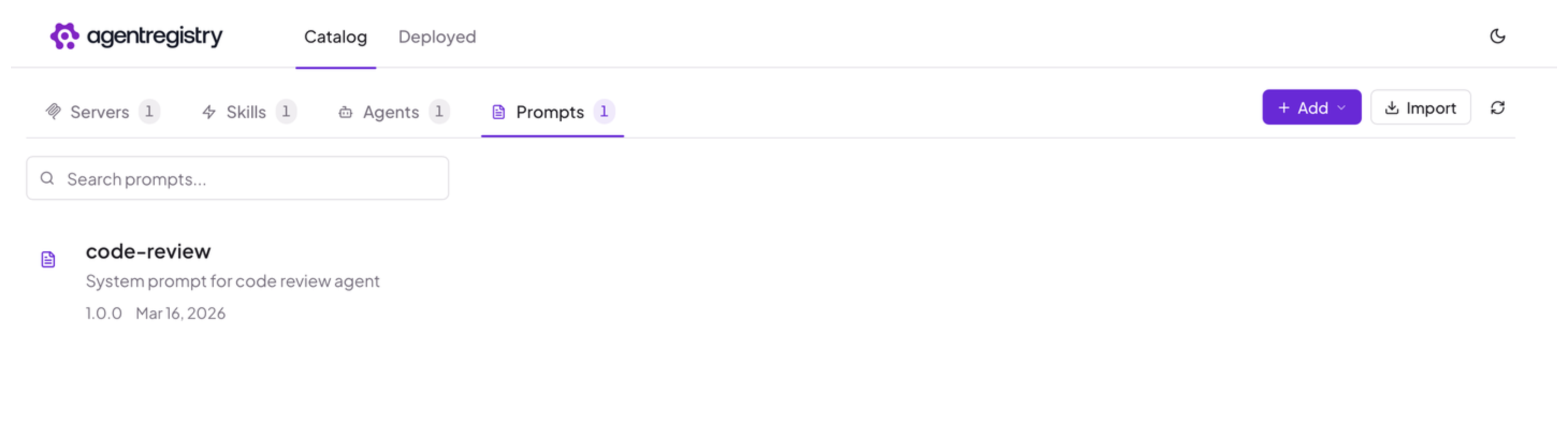
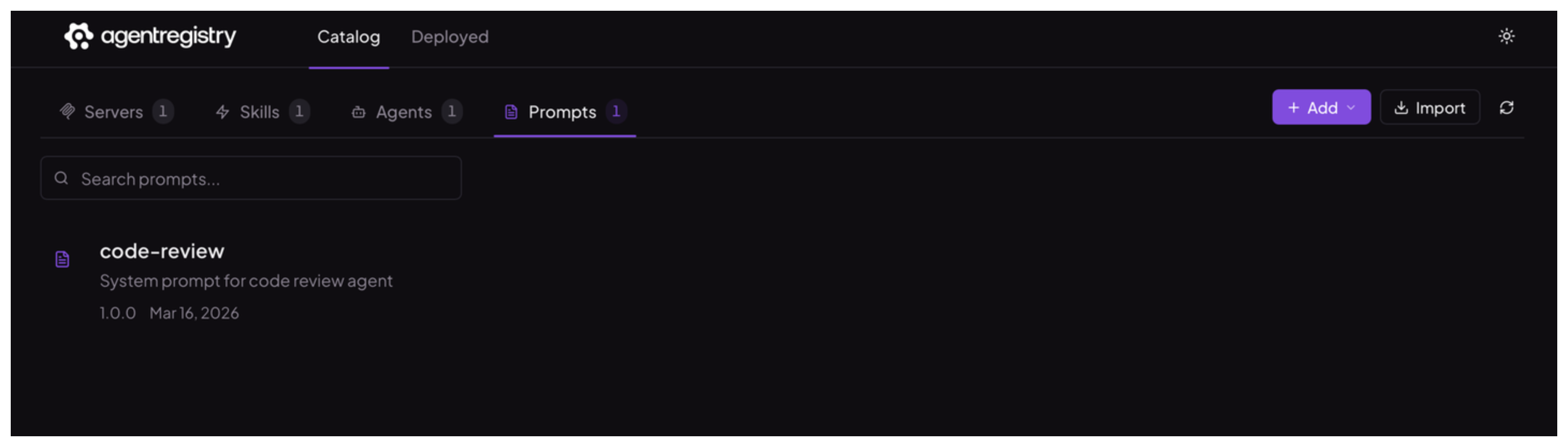
Optional: Open the agentregistry UI and go to the Catalog > Prompts view. Verify that you can see your prompt.
Cleanup
To delete a prompt from agentregistry, use the arctl delete prompt command.
arctl delete prompt code-review