For the complete documentation index, see llms.txt. Markdown versions of all docs pages are available by appending .md to any docs URL.
Create and run
Build and run MCP servers on your local machine with agentregistry.
Before you begin
- Install agentregistry on Kubernetes.
- Install
uv.
Create an MCP server
Agentregistry comes with built-in MCP server templates that you can use to quickly spin up MCP servers or customize them to your needs.
Scaffold an MCP server. The following command creates a
mymcpdirectory with the FastMCP framework and Python.arctl init mcp mymcp --framework fastmcp --language pythonExample output:
✓ Created MCP server: mymcp (framework: fastmcp, language: python, transport: http, port: 3000)

🚀 Next steps:
  1. Run locally (optional):
     arctl run mymcp
  2. Publish to the registry:
     arctl apply -f mymcp/mcp.yaml
Explore the MCP server scaffold. You can make changes to the files to customize your server.
ls mymcpExample output:
mcp.yaml arctl.yaml Dockerfile docker-compose.yaml .env pyproject.toml README.md src testsFile Description mcp.yamlThe v1alpha1 MCP server definition. Contains the image reference, transport settings, and catalog metadata. Apply this file to publish the server to the registry. arctl.yamlLocal build config that records the framework, language, and transport settings. Used by arctl runandarctl build..envEnvironment variables the server needs at runtime. This file is gitignored. DockerfileBuilds the MCP server container image. docker-compose.yamlUsed by arctl runto start the server locally.pyproject.tomlPython project dependencies. README.mdIntroduction and customization instructions for the scaffolded server. src/MCP server source code, including tool definitions and the server bootstrap script. The scaffold includes two example tools: echoandsum.tests/Generated tests for the server and its tools.
Run the MCP server
Run the MCP server on your local machine with the MCP Inspector. The
--inspectorflag starts the server and automatically opens the MCP Inspector so you can test your tools without any additional setup.arctl run mymcp --inspectorExample output:
→ fastmcp-python: docker run --rm -p 3000:3000 localhost:5001/mymcp:latest --transport http --host 0.0.0.0 --port 3000
2026-05-14 18:39:46,327 - INFO - Loaded tool module: sum
2026-05-14 18:39:46,329 - INFO - Loaded tool module: echo
2026-05-14 18:39:46,329 - INFO - 📦 Successfully loaded 2 tools
...
INFO     Starting MCP server 'mymcp' with transport 'http' on http://0.0.0.0:3000/mcp
Connect to your MCP server in the Inspector tool.
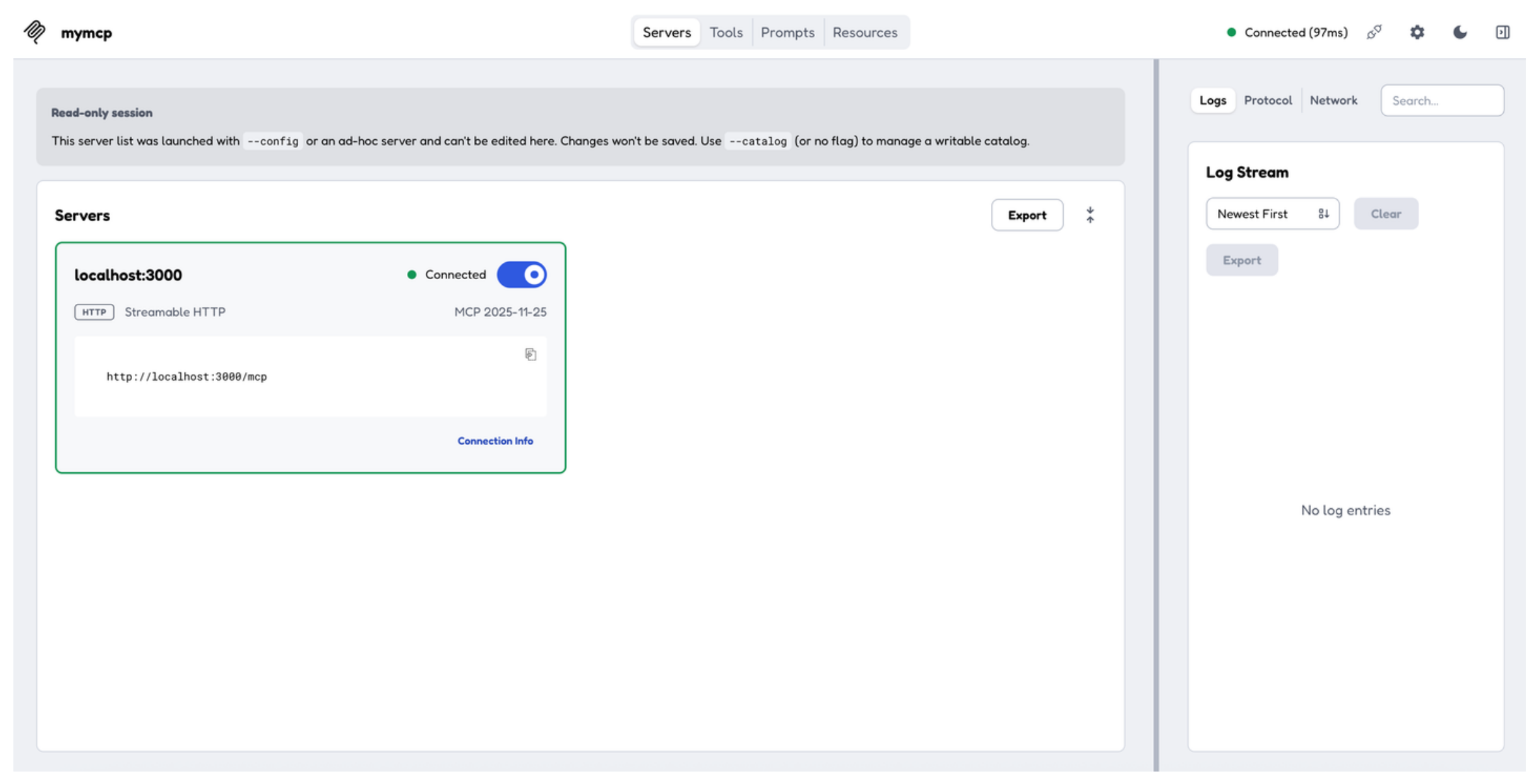
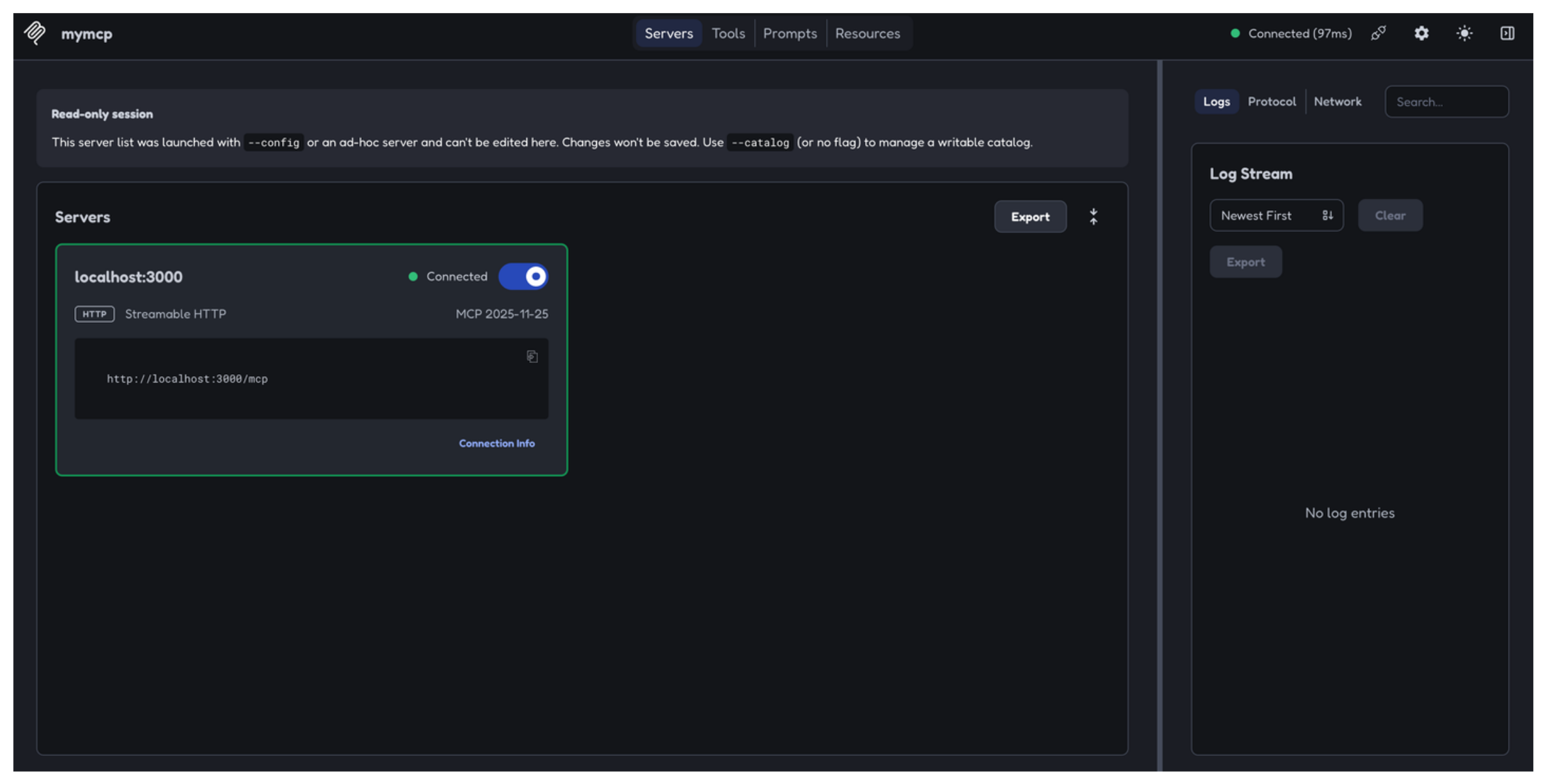
Try out an MCP tool.
- Navigate to the Tools tab. Verify that you see the
example_echoandexample_sumtools. - Select the
example_sumtool and enter any two integers in the a and b fields. - Click Execute Tool and verify that you see the sum of the two integers.
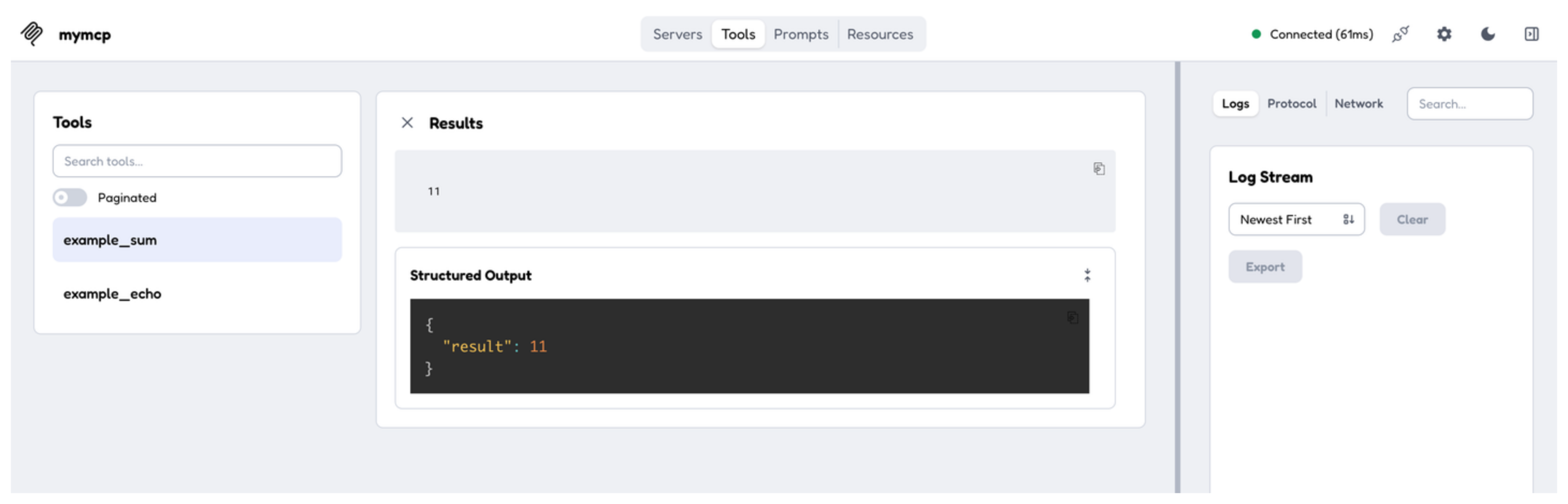
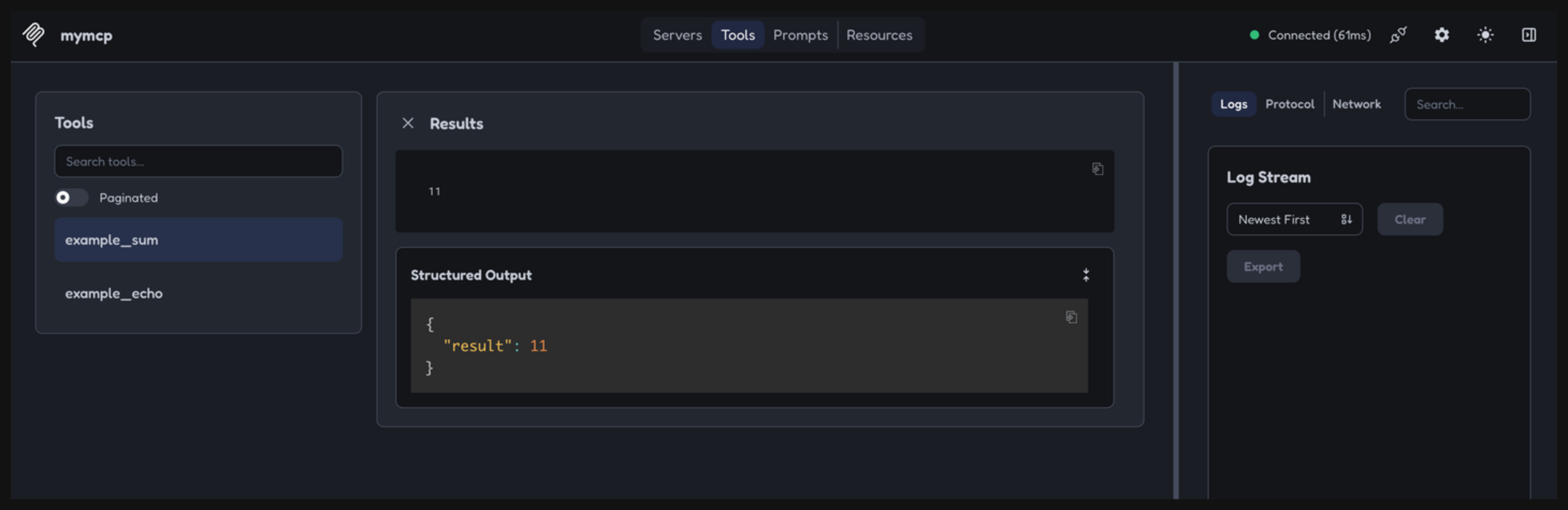
- Navigate to the Tools tab. Verify that you see the
Exit the MCP Inspector and stop the server by pressing Ctrl+C.