For the complete documentation index, see llms.txt. Markdown versions of all docs pages are available by appending .md to any docs URL.
Publish to catalog
Add your agent to the registry catalog.
Build your agent image and publish it to agentregistry so your team can discover and deploy it.
Before you begin
- Follow the Get started guide to set up agentregistry and start the agentregistry daemon.
- Create an agent.
- Make sure you are logged in to your container registry.
Build the agent image
Set your container registry URL, such as
ghcr.io/myorg. This value is used to construct the image reference in your agent manifest.export REGISTRY=<registry-url>Update the agent manifest with your registry URL. Select the tab that matches your setup.
cat > myagent/agent.yaml <<EOF apiVersion: ar.dev/v1alpha1 kind: Agent metadata: name: myagent spec: source: image: $REGISTRY/myagent:latest description: myagent agent EOFBuild the Docker image for your agent by using the image source information from your agent manifest. You can optionally use the
--pushflag to also push the image to your container registry.arctl build myagentExample output:
[+] Building 48.4s (12/12) FINISHED
...
✅ Successfully built Docker image: ghcr.io/myorg/myagent:latest
Tip
To build a multi-architecture image (for example, to support both
amd64andarm64nodes in your cluster), add--platform linux/amd64,linux/arm64. For more information, see the arctl build command.
Publish the agent
Create a catalog entry for your agent.
Publish the agent manifest to agentregistry.
arctl apply -f myagent/agent.yamlExample output:
✓ Agent/myagent createdVerify that the agent was published.
arctl get agentsExample output:
NAME      TAG      DESCRIPTION
myagent   latest   myagent agent
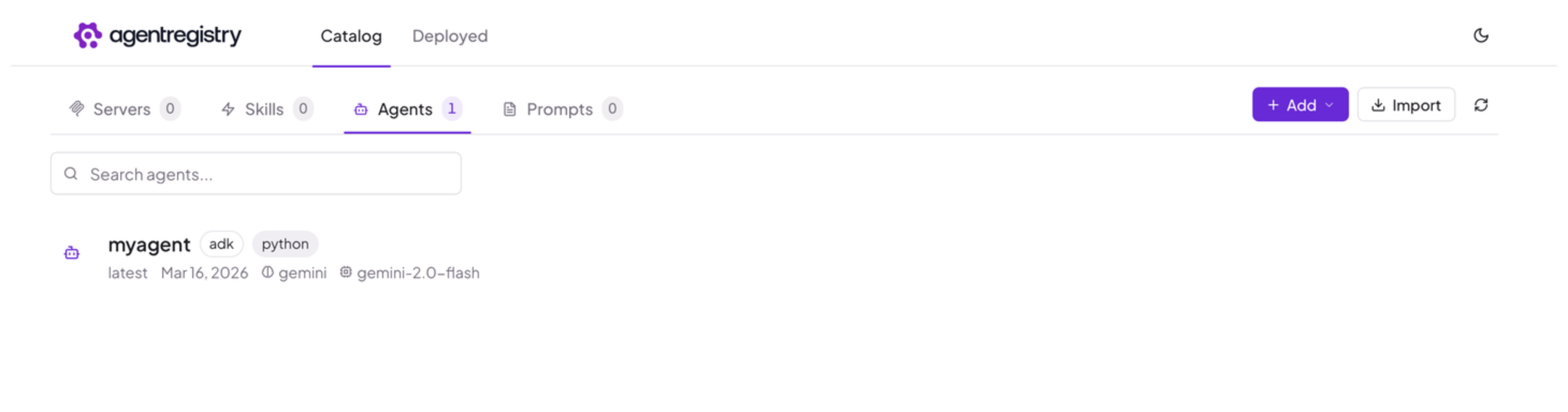
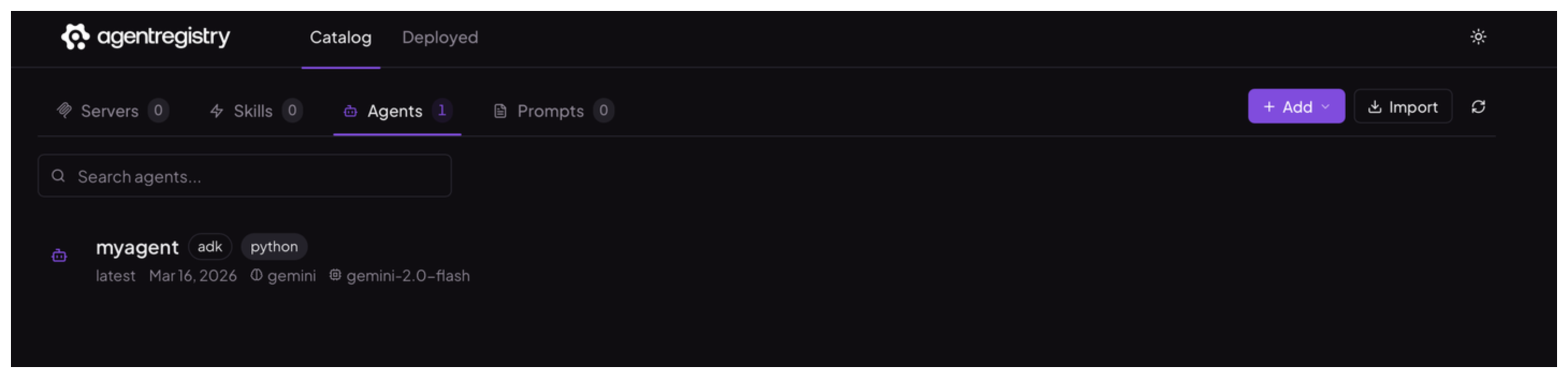
Open the agentregistry UI and go to the Agents view to review your published agent.
Next
Cleanup
To remove an agent from agentregistry, use arctl delete.
arctl delete agent myagent