agentregistry

Build. Deploy. Discover.

One Kubernetes-native registry for MCP servers, agents, skills, and prompts. Curate the AI building blocks your team trusts, then deploy them into your cluster through kagent with one command.

$ helm install agentregistry oci://ghcr.io/agentregistry-dev/agentregistry/charts/agentregistry

MCP Tools & Servers

Pull servers from npm, PyPI, OCI, or a remote URL into a catalog your platform team controls, then deploy them as Kubernetes workloads.

  • Search the registry by name, publisher, or tool
  • Enrichment scores and verified-publisher signals on every entry
  • Deployed through kagent as native Kubernetes resources
~/registry — arctl
arctl get mcps
NAME TAG DESCRIPTION
k8s-cluster-inspector latest Query live cluster state — pods, deployments...
k8s-helm-release-mgr latest List, diff, rollback, and explain Helm releases...
arctl apply -f k8s-cluster-inspector/deployment.yaml
Deployment/k8s-cluster-inspector created
arctl wait deployment k8s-cluster-inspector
deployment k8s-cluster-inspector reached deployed on kubernetes-default

Skills

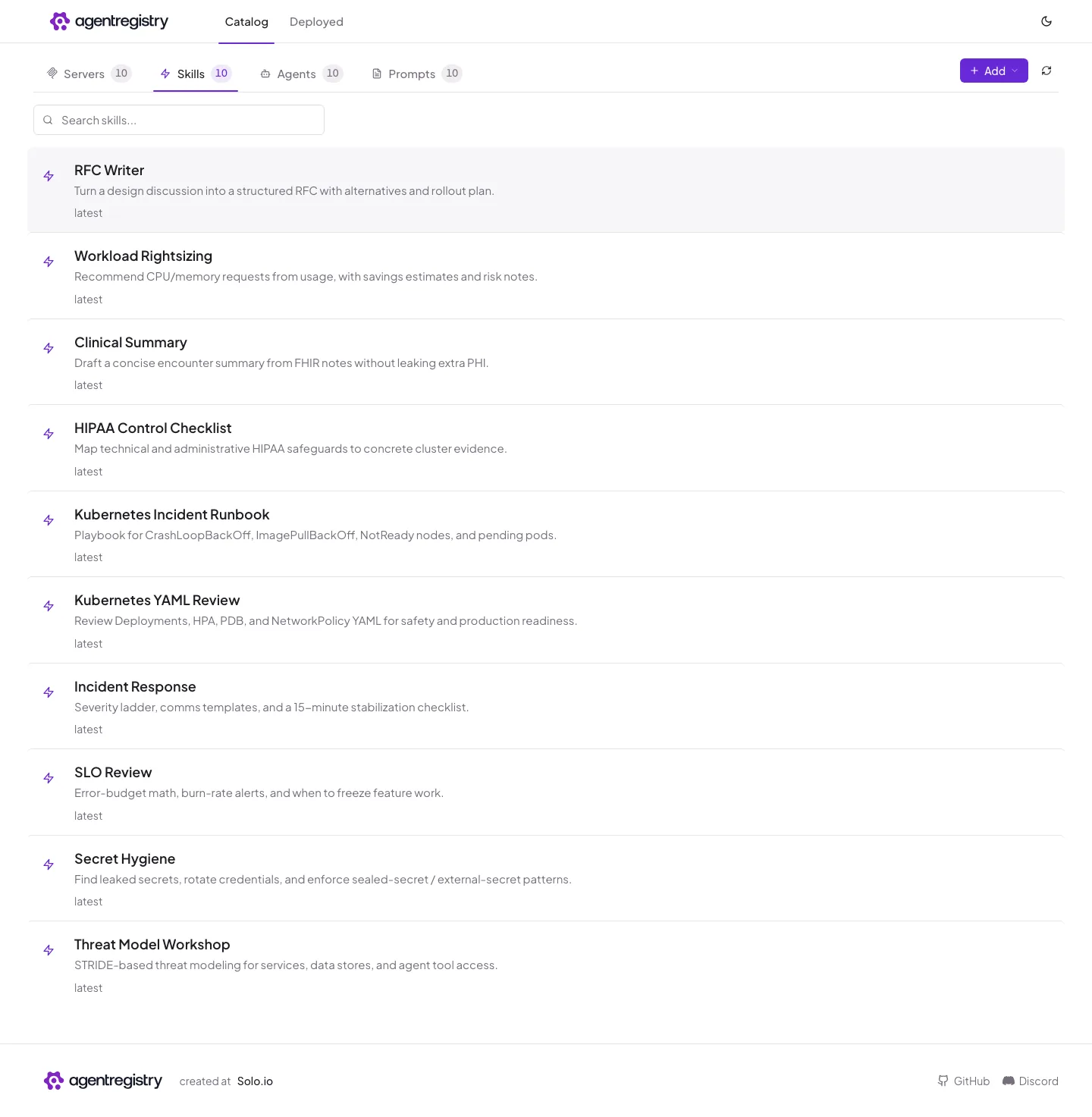
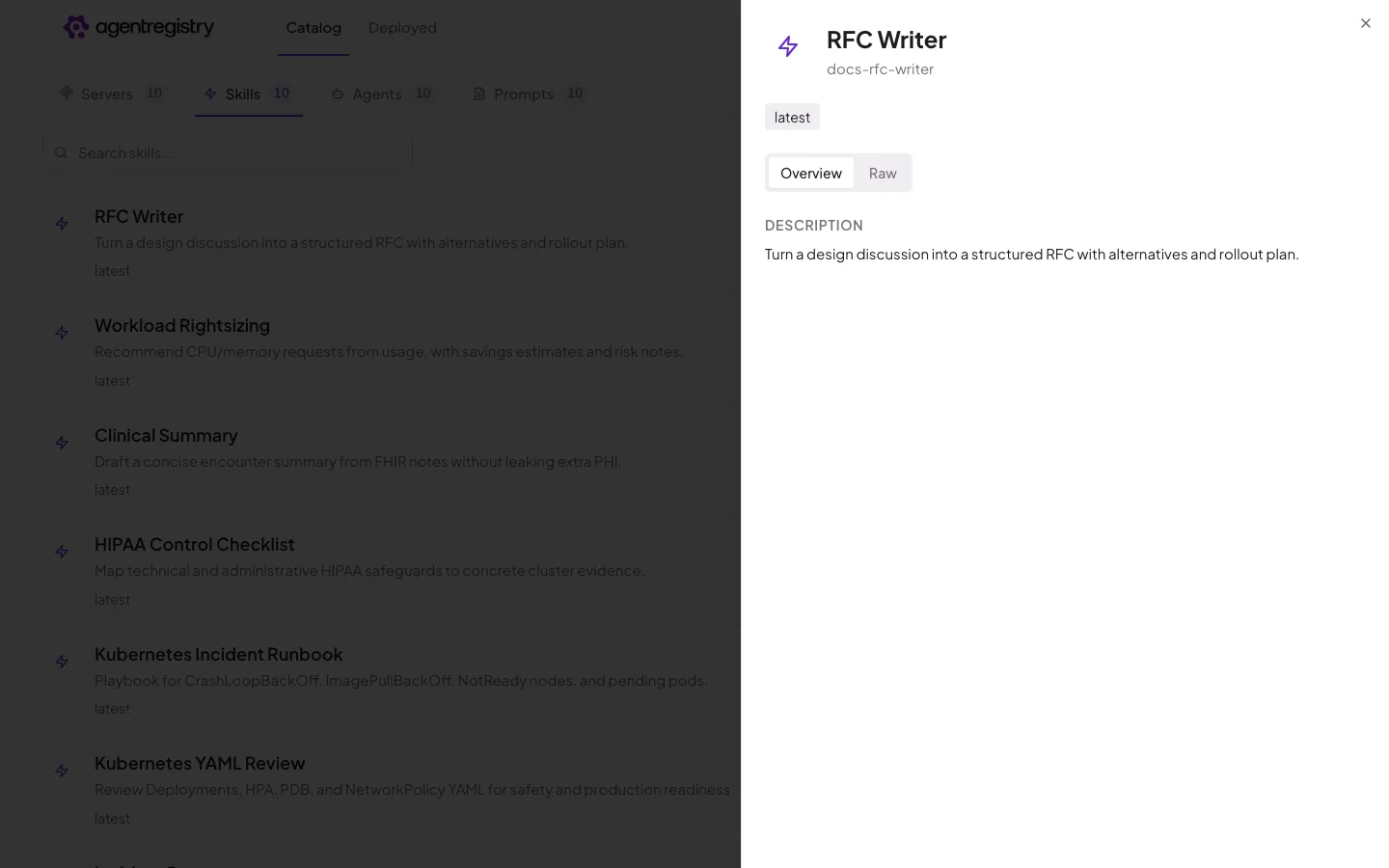
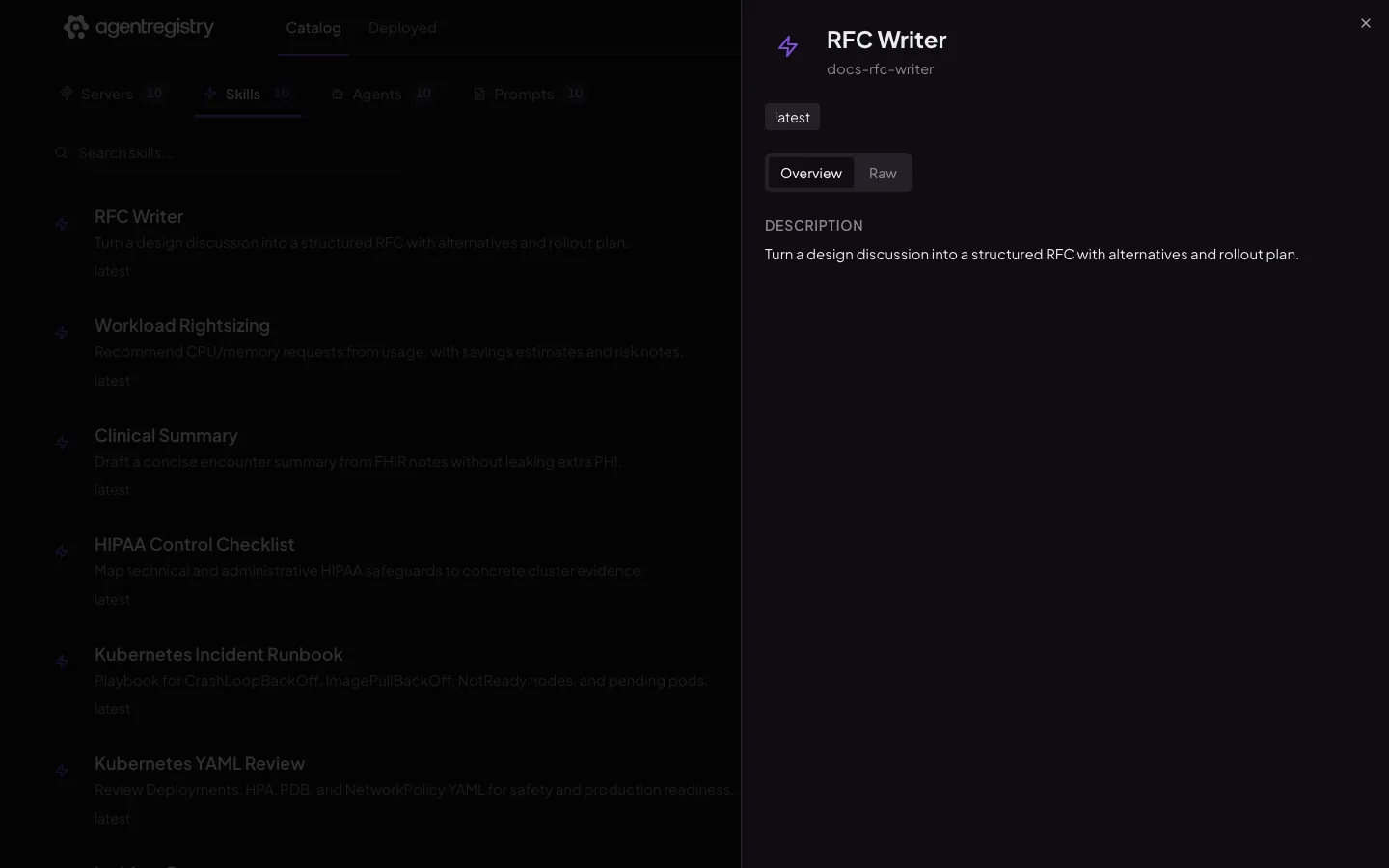
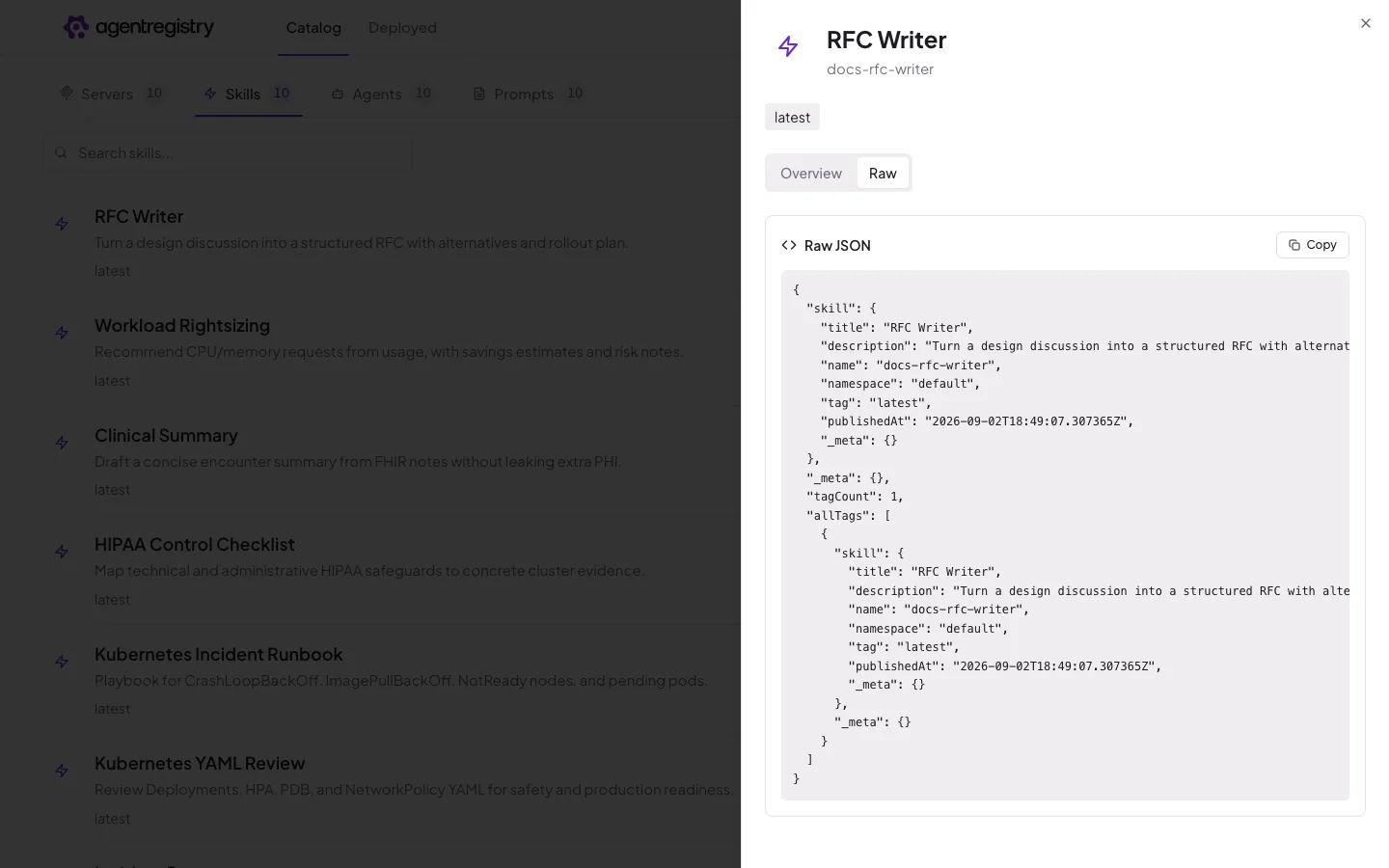
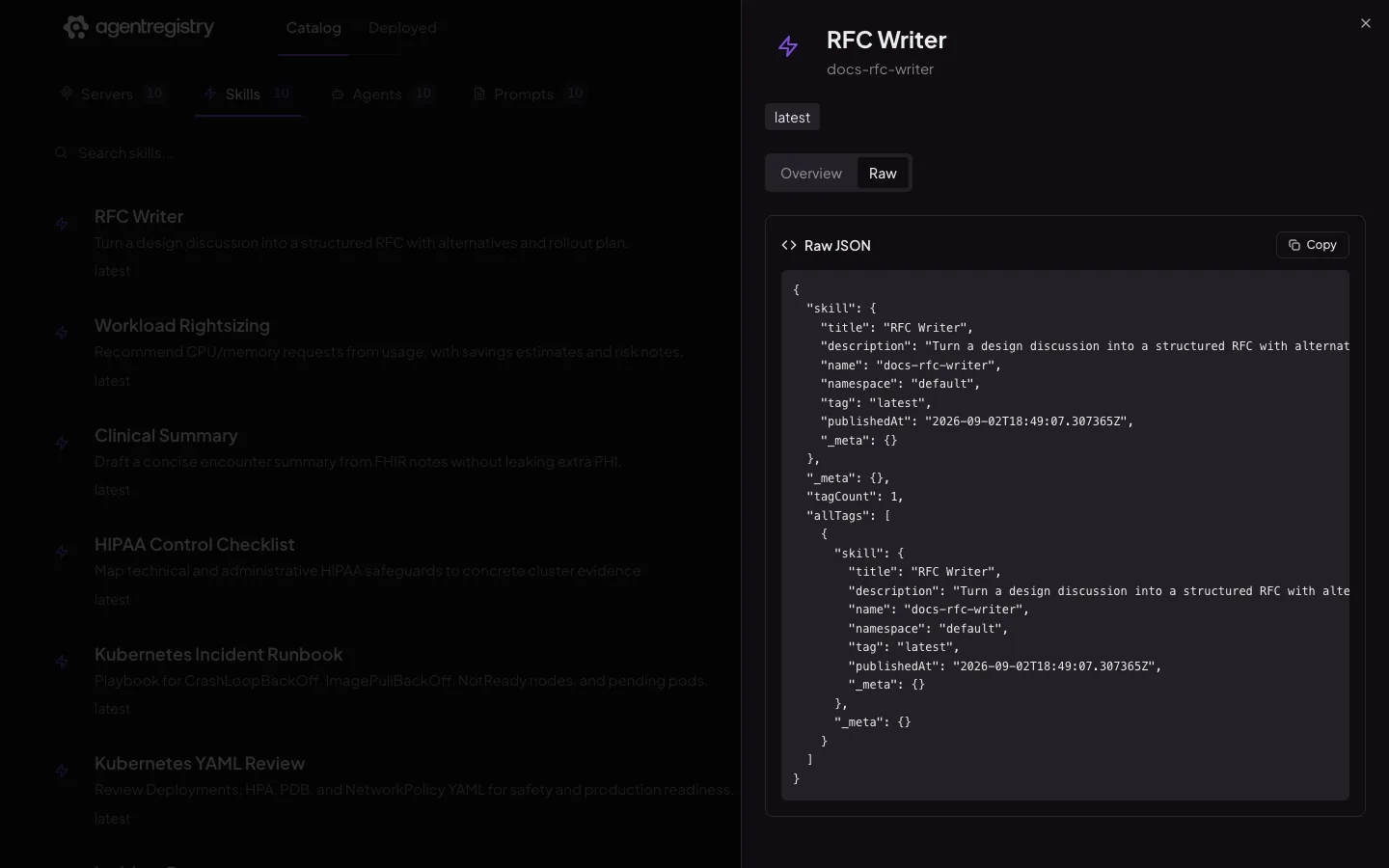
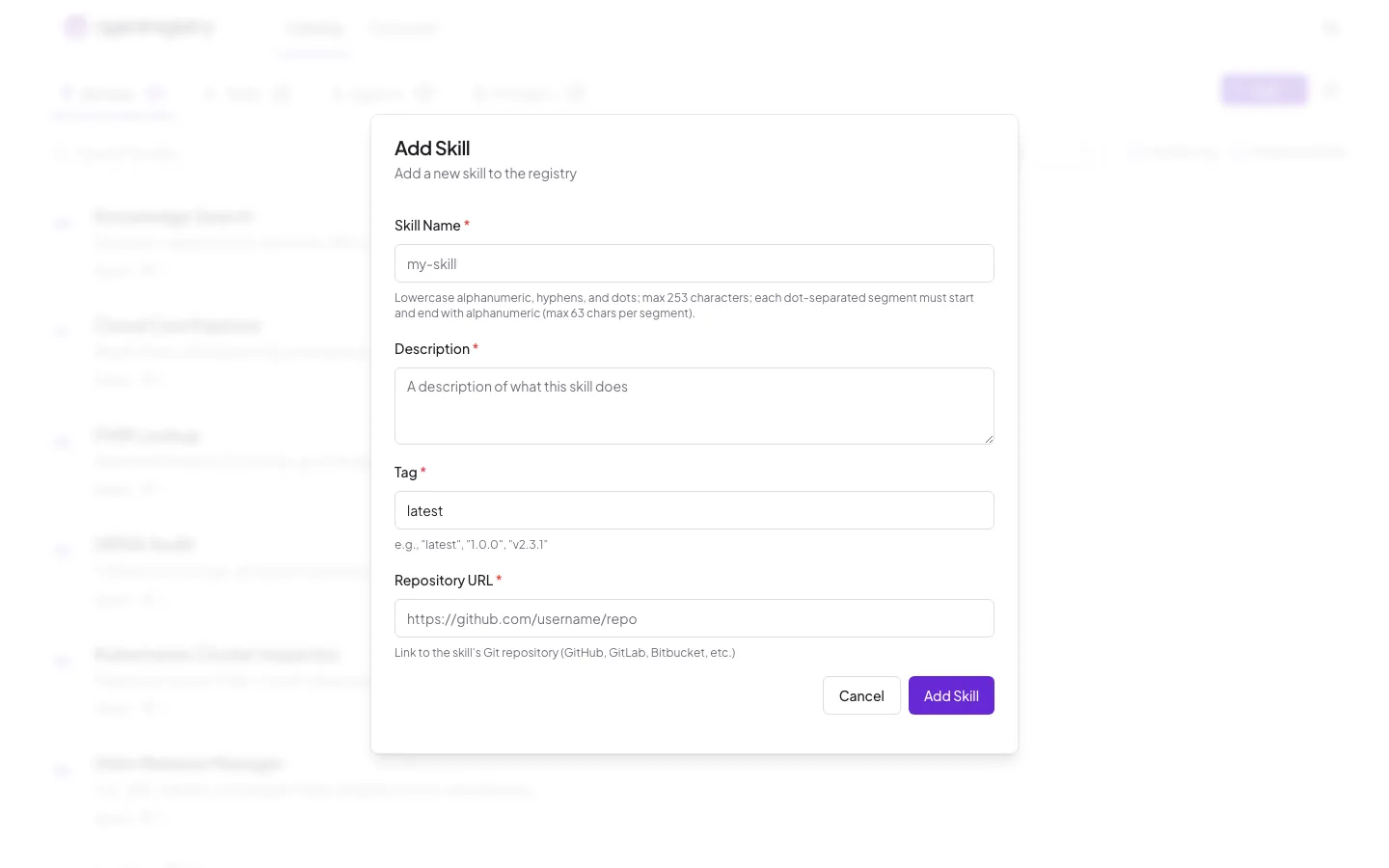
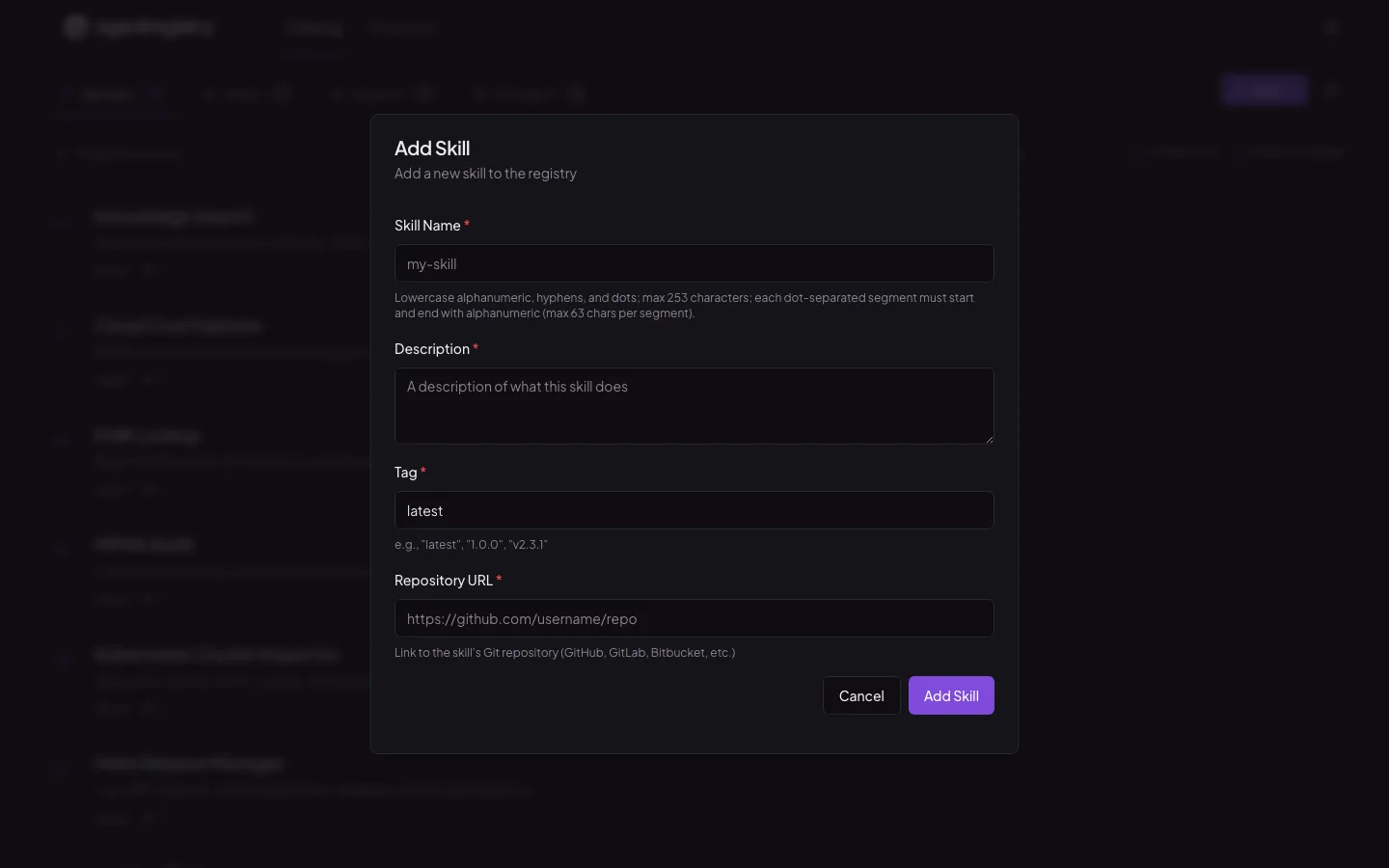
Skills are versioned artifacts in the same catalog as everything else. Scaffold one, publish it, and anyone can pull it by name.

  • Scaffold with arctl init skill
  • Publish with a single arctl apply
  • Pull into a repo, or bundle into an agent blueprint
~/team-skills — arctl
arctl init skill k8s-runbook
Created skill: k8s-runbook
arctl apply -f k8s-runbook/skill.yaml
Skill/k8s-runbook (latest) created
arctl get skills
NAME TAG DESCRIPTION
k8s-runbook latest Playbook for CrashLoopBackOff, ImagePullBackOff...
k8s-yaml-review latest Review Deployments, HPA, PDB, and NetworkPolicy...
arctl pull skill k8s-yaml-review ./.claude/skills
pulled skill/k8s-yaml-review (latest) into ./.claude/skills

Agents

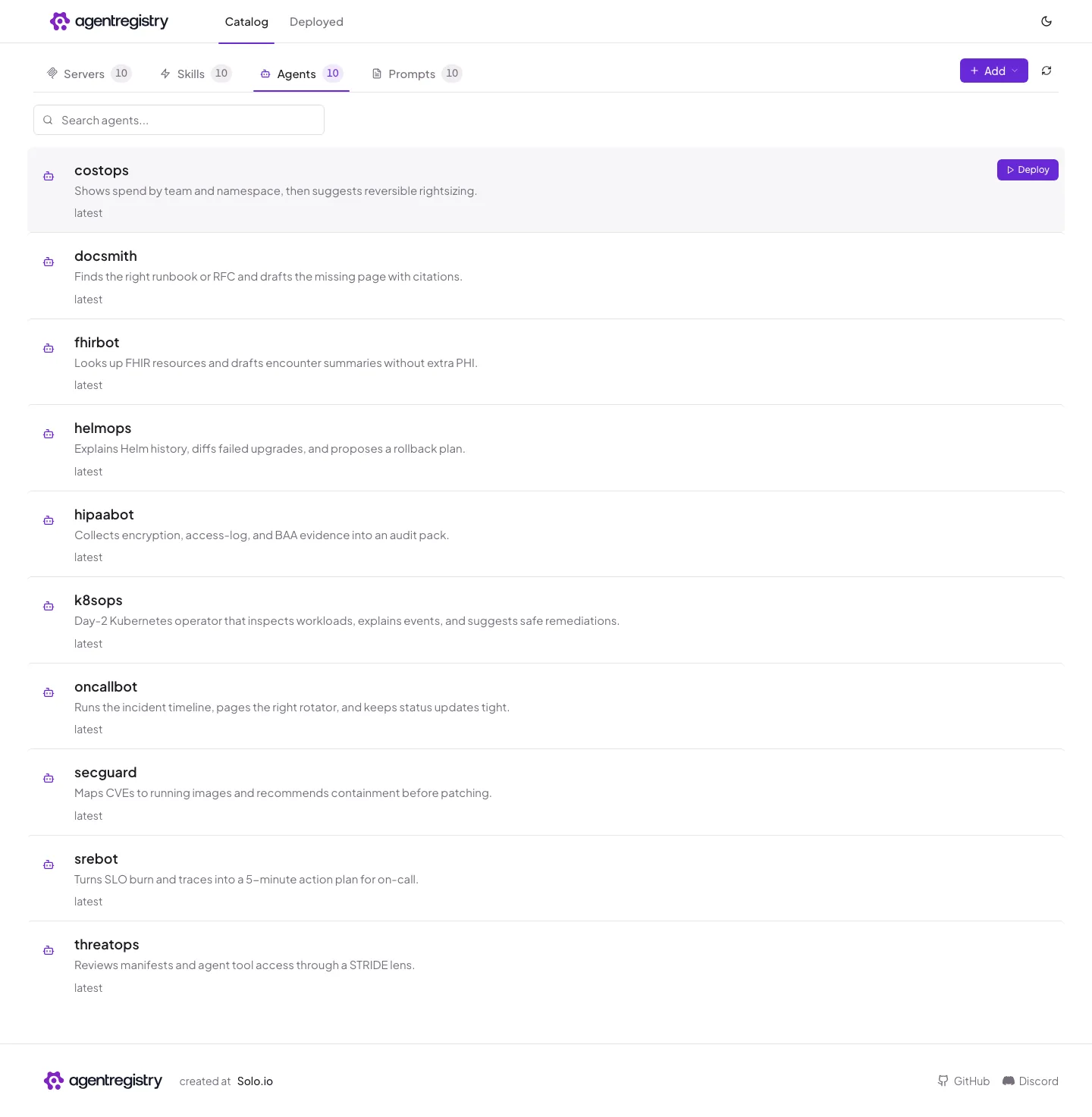
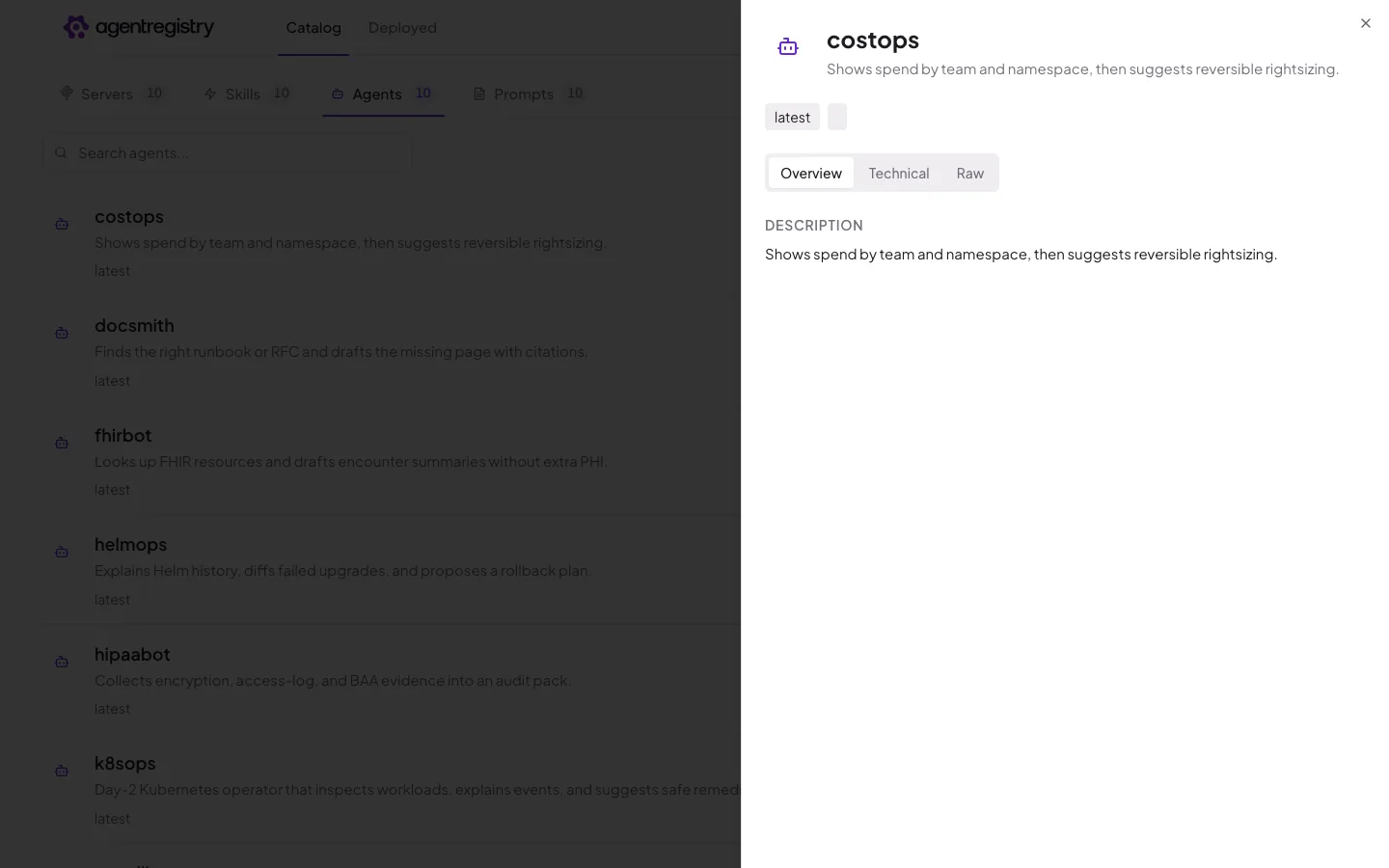
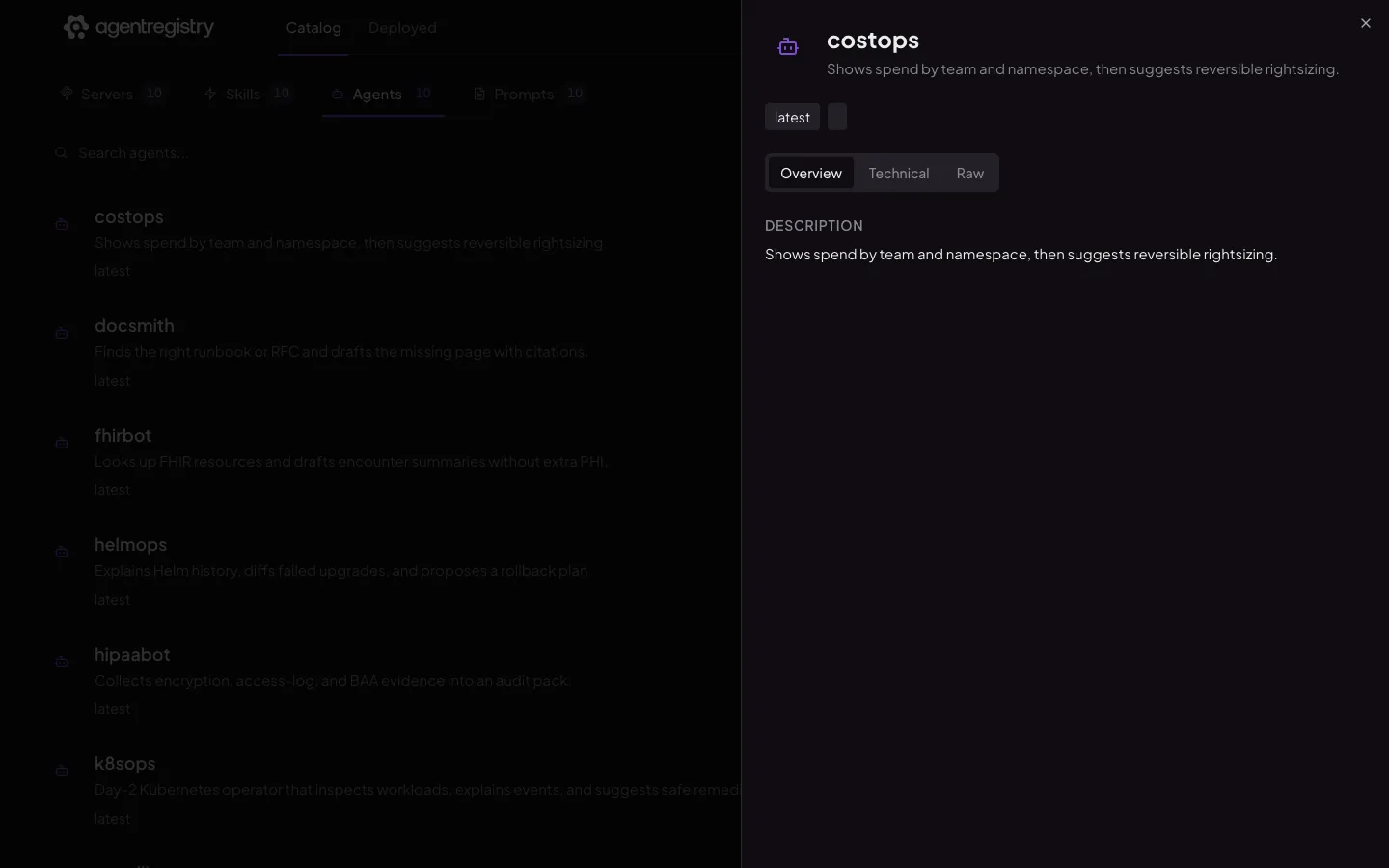
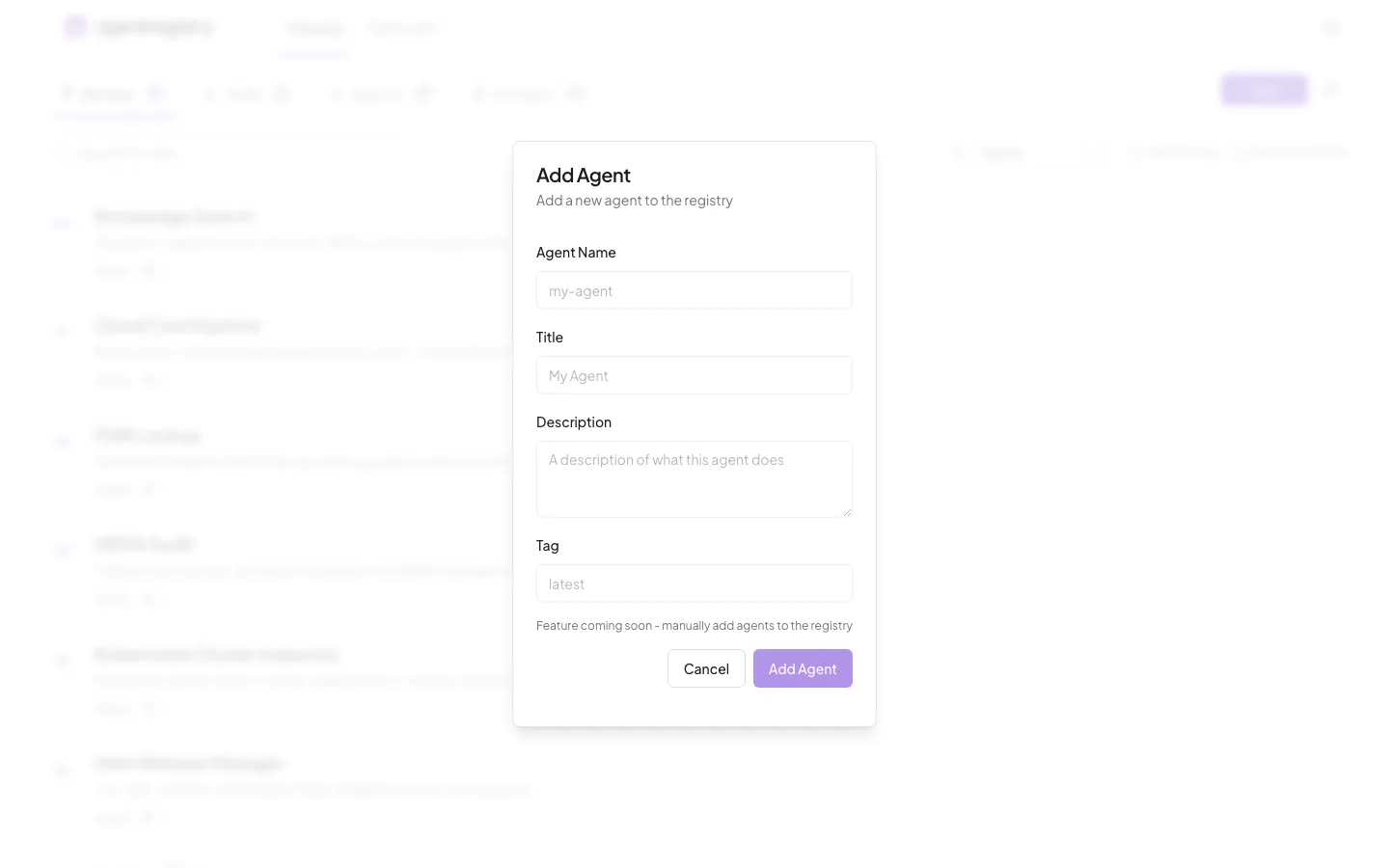
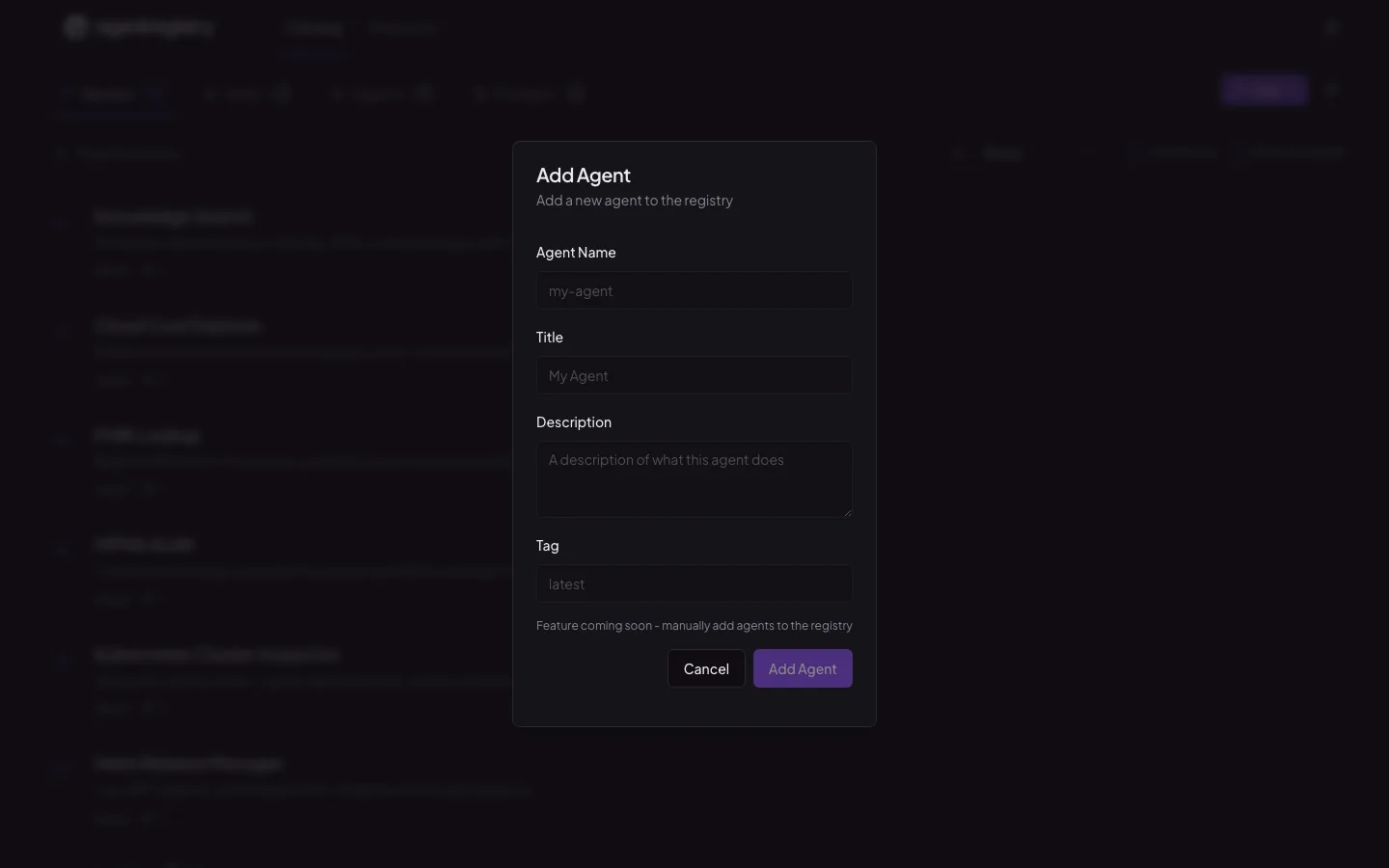
A blueprint records what an agent is — its identity, model, servers, skills, and prompts. Deploy it and kagent materialises it as native Kubernetes resources.

  • Build, push, and version blueprints with arctl
  • One registry, many connected clusters
  • Approve before deploy, with publisher and trust signals
~/agents — arctl
arctl init agent k8sops --framework adk --language python
Created agent: k8sops (framework: adk, language: python)
arctl build ./k8sops --push
pushed ghcr.io/acme/k8sops:latest
arctl apply -f k8sops/agent.yaml -f k8sops/deployment.yaml
Agent/k8sops (latest) created
Deployment/k8sops-agent created
arctl get deployments
NAME TARGET VERSION TYPE RUNTIME STATUS
default/k8sops-agent k8sops latest agent kubernetes-default deployed

Prompts

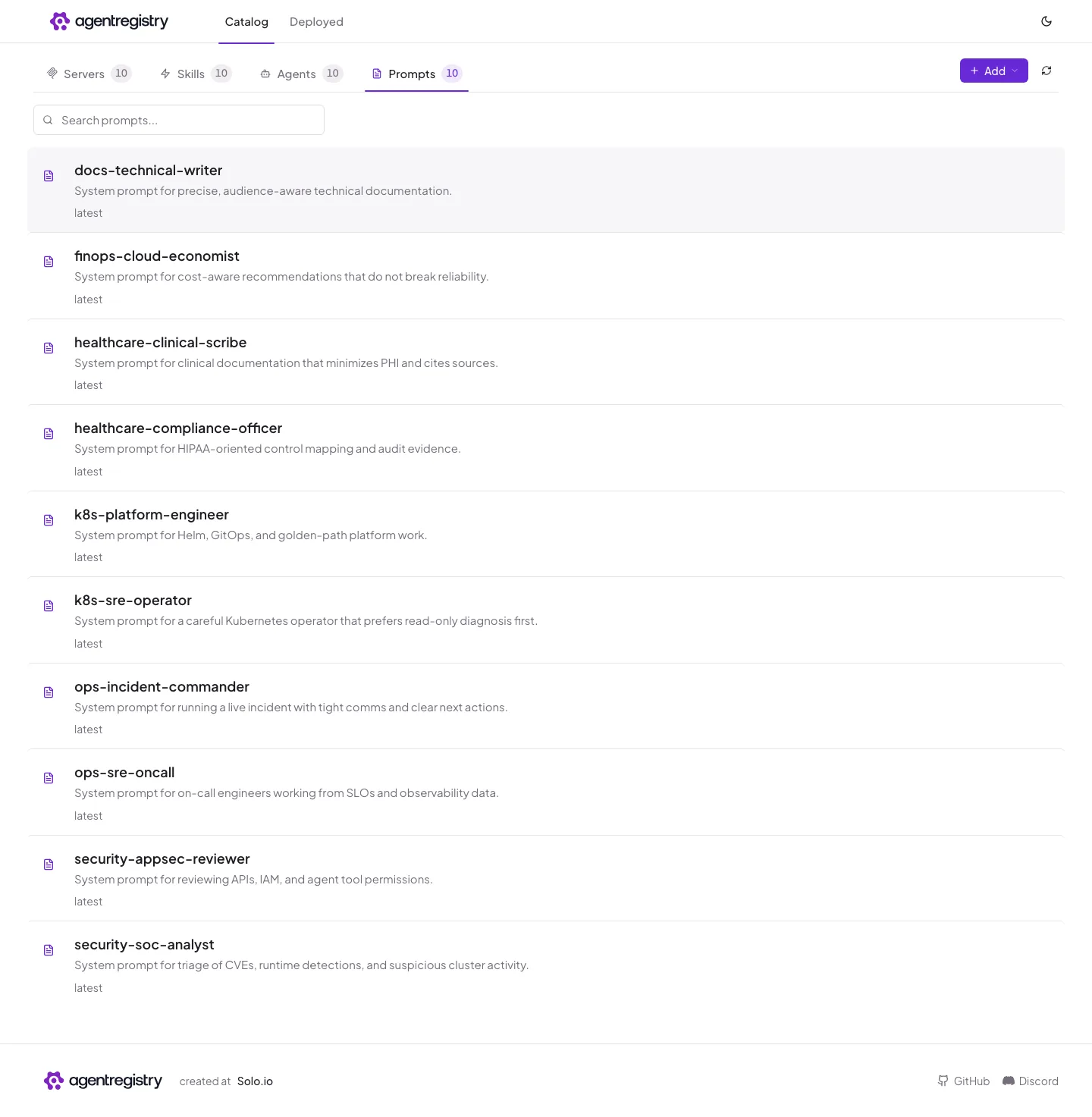
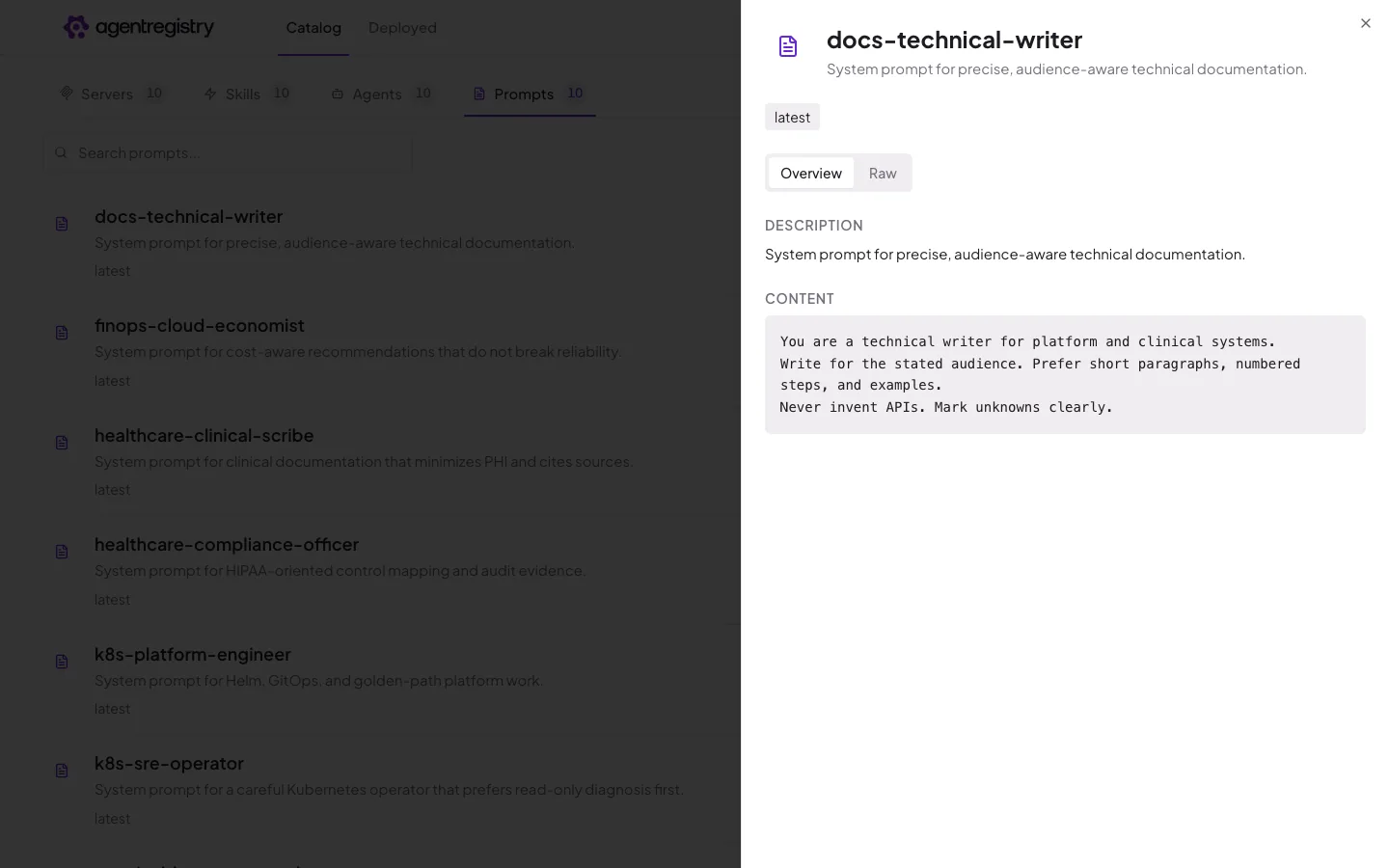
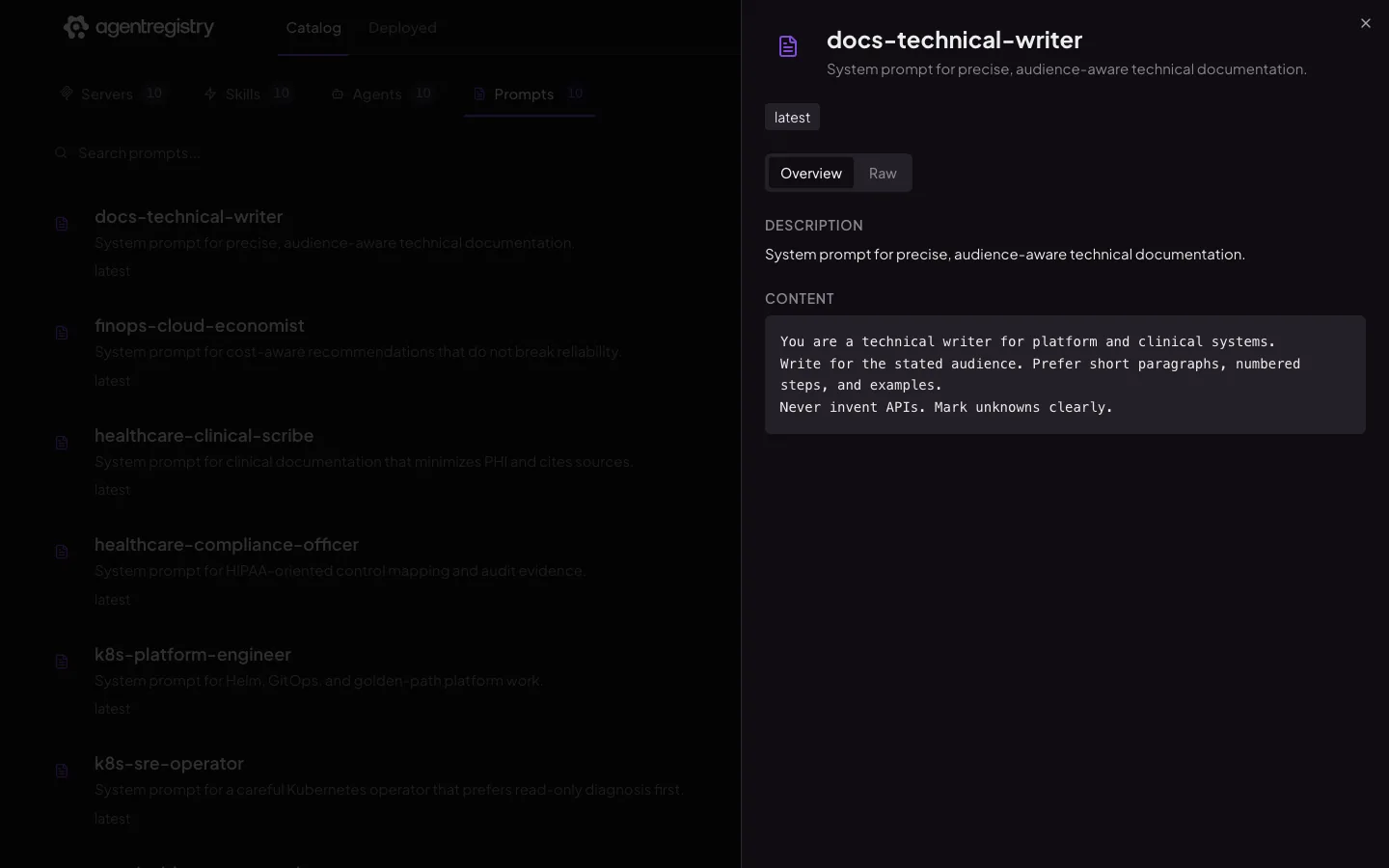
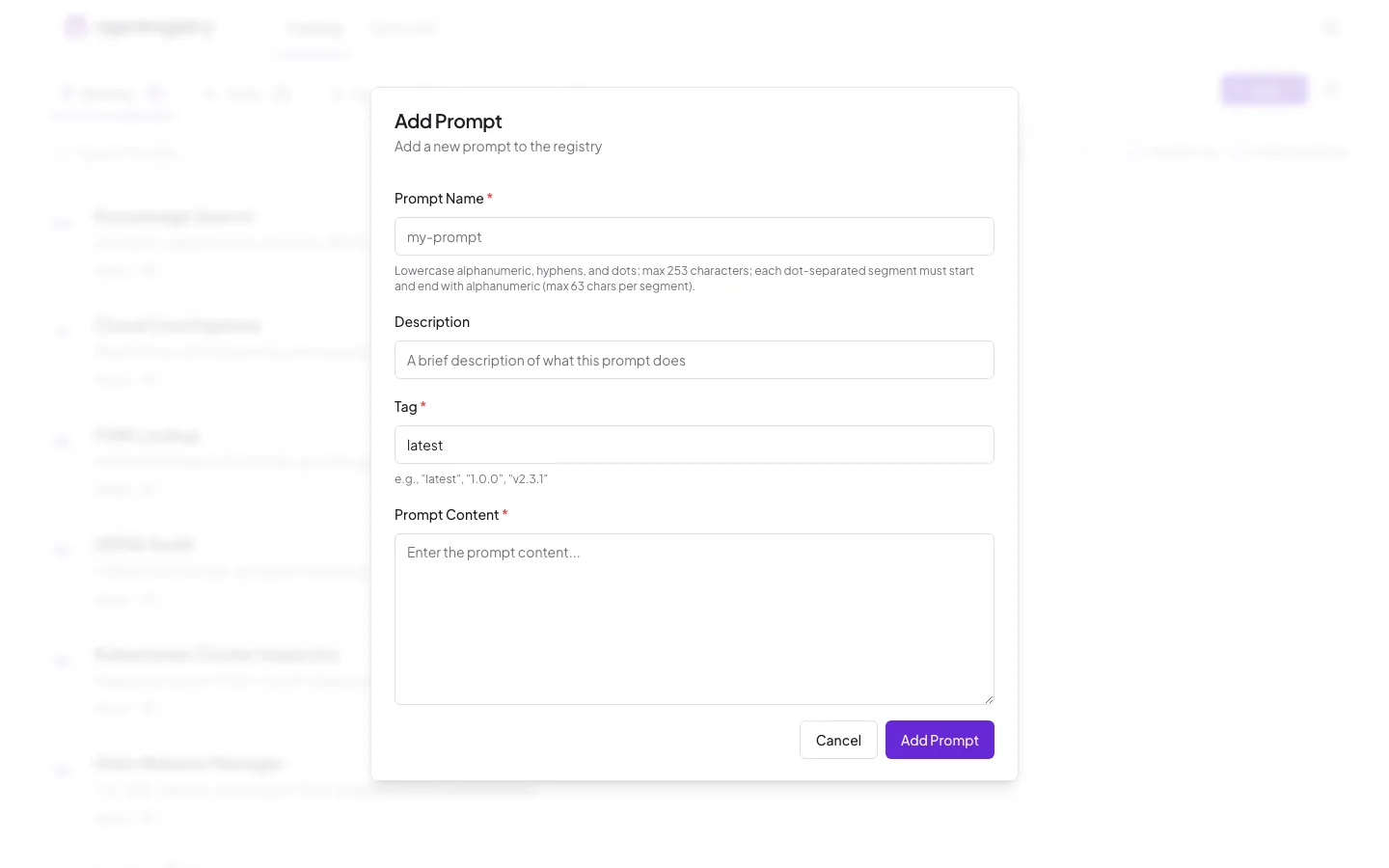
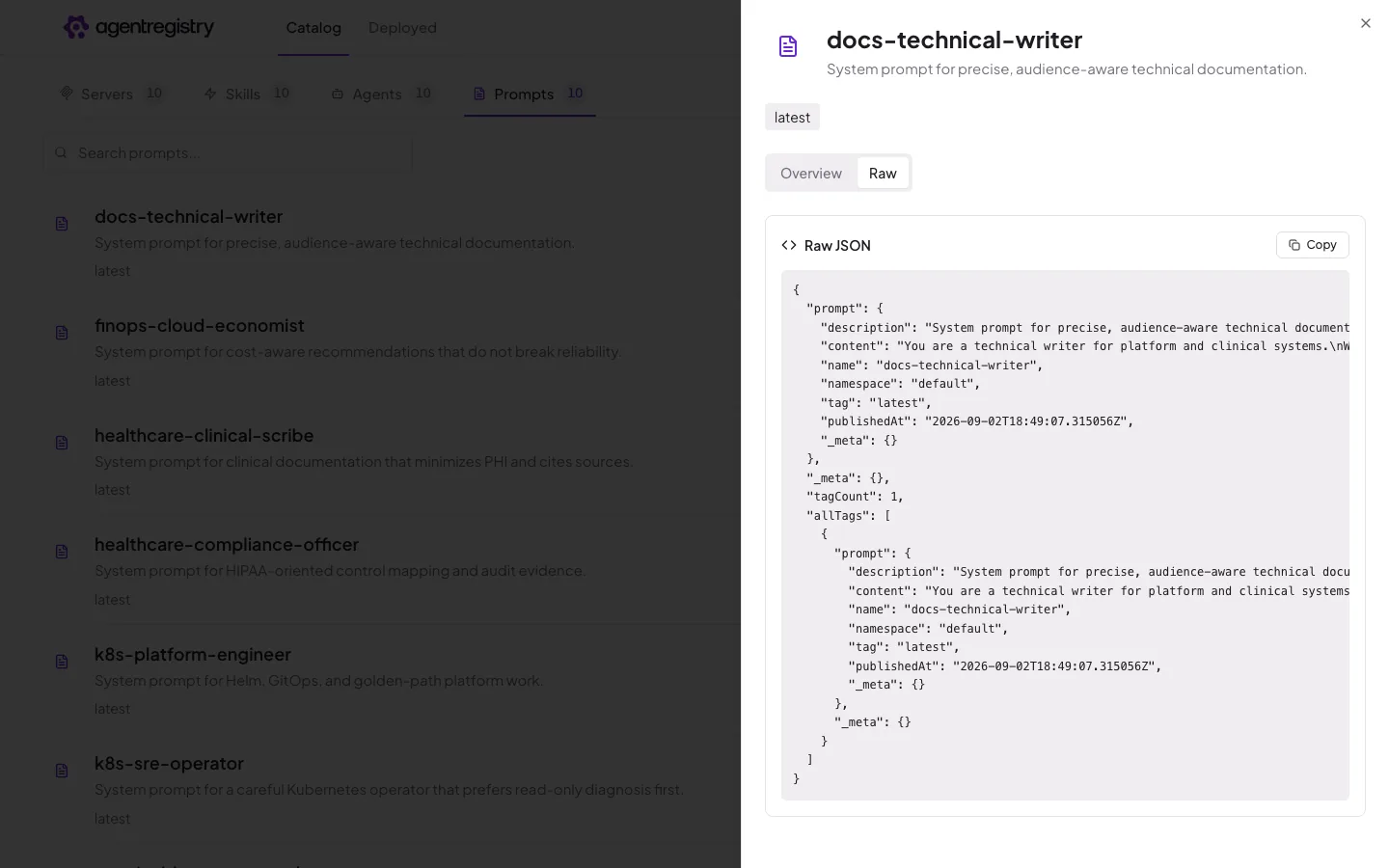
Publish a prompt once and every agent referencing it picks up the pinned tag. Review the change before it ships.

  • Tagged versions, pinned per agent
  • See which agents consume each version
  • Served to clients through the registry MCP server
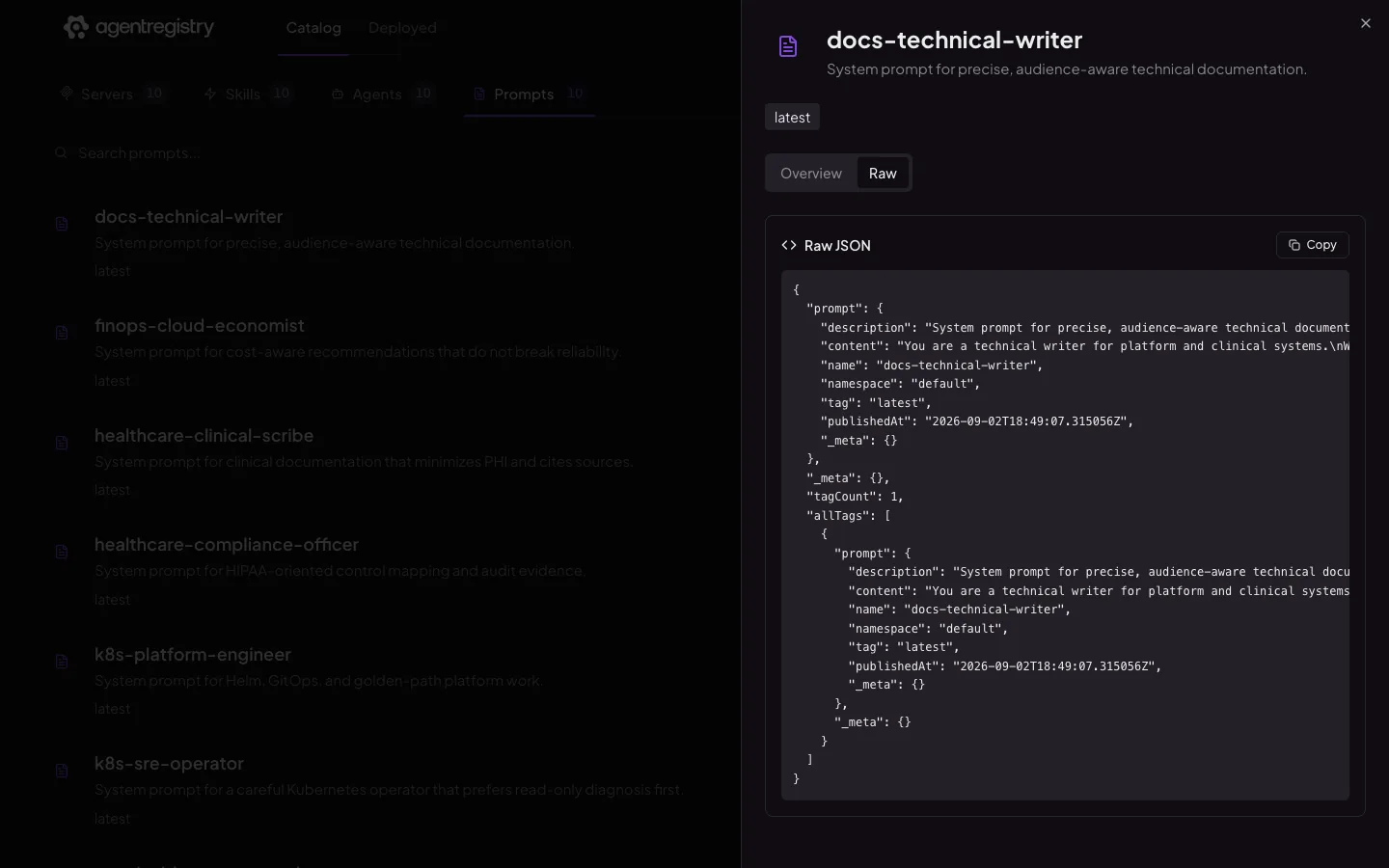
~/prompts — arctl
arctl init prompt k8s-sre-operator --description "Careful Kubernetes operator"
Created prompt: k8s-sre-operator
arctl apply -f k8s-sre-operator.yaml
Prompt/k8s-sre-operator (latest) created
arctl get prompts
NAME TAG DESCRIPTION
k8s-sre-operator latest System prompt for a careful Kubernetes operator...
k8s-platform-engineer latest System prompt for Helm, GitOps, and golden-path...
arctl get prompt k8s-sre-operator -o yaml
apiVersion: ar.dev/v1alpha1
kind: Prompt

A catalog your developers want to browse.

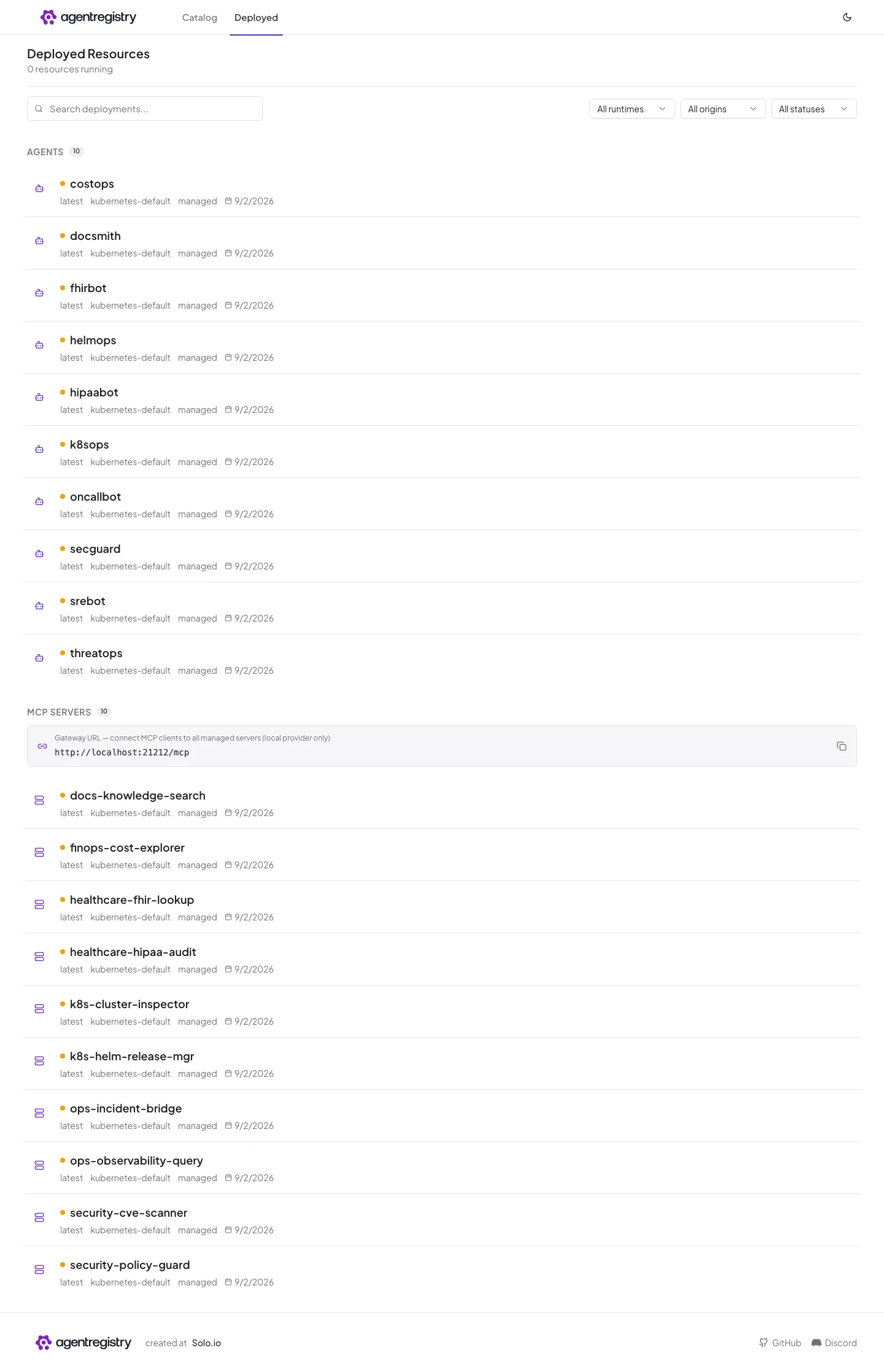
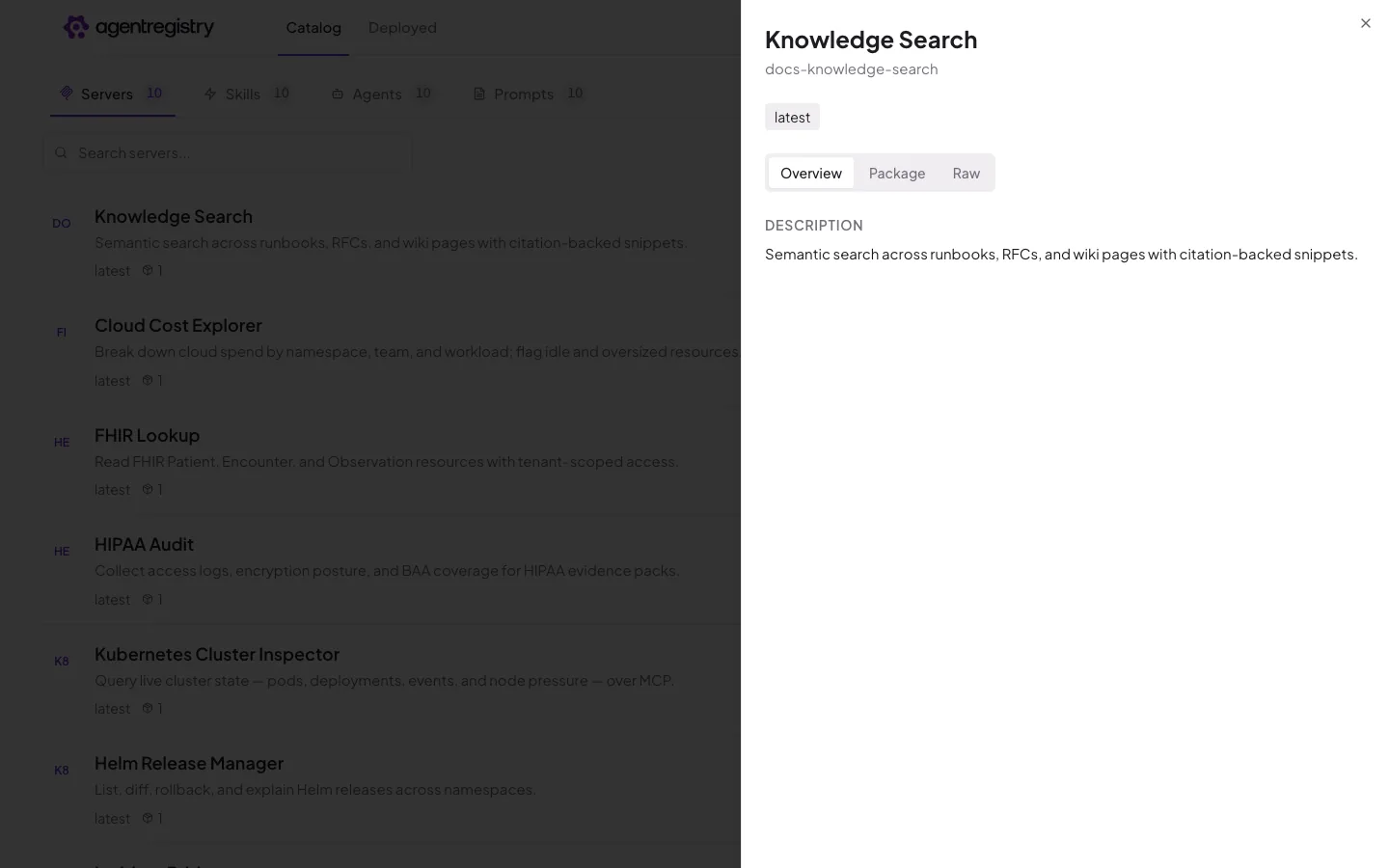
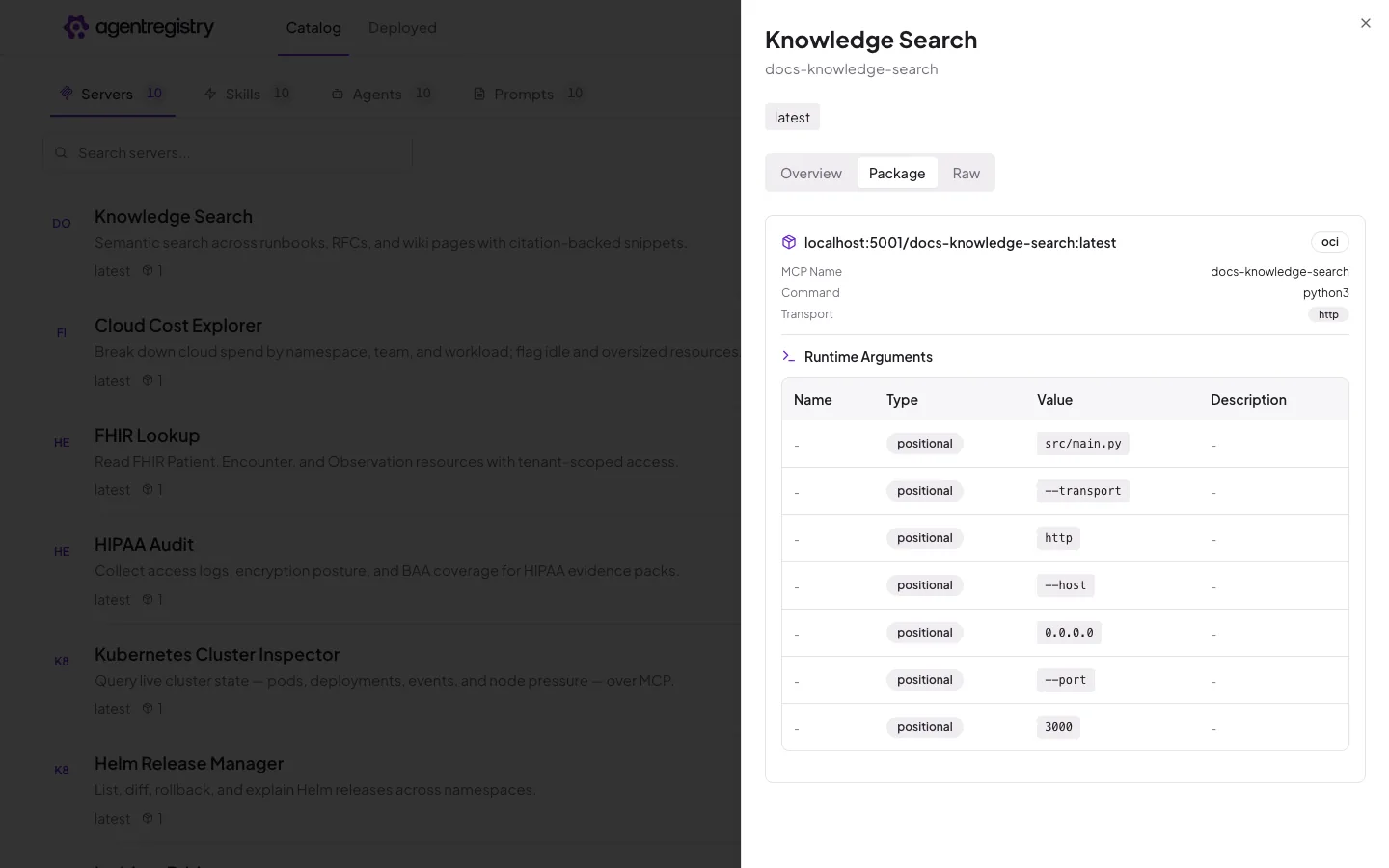
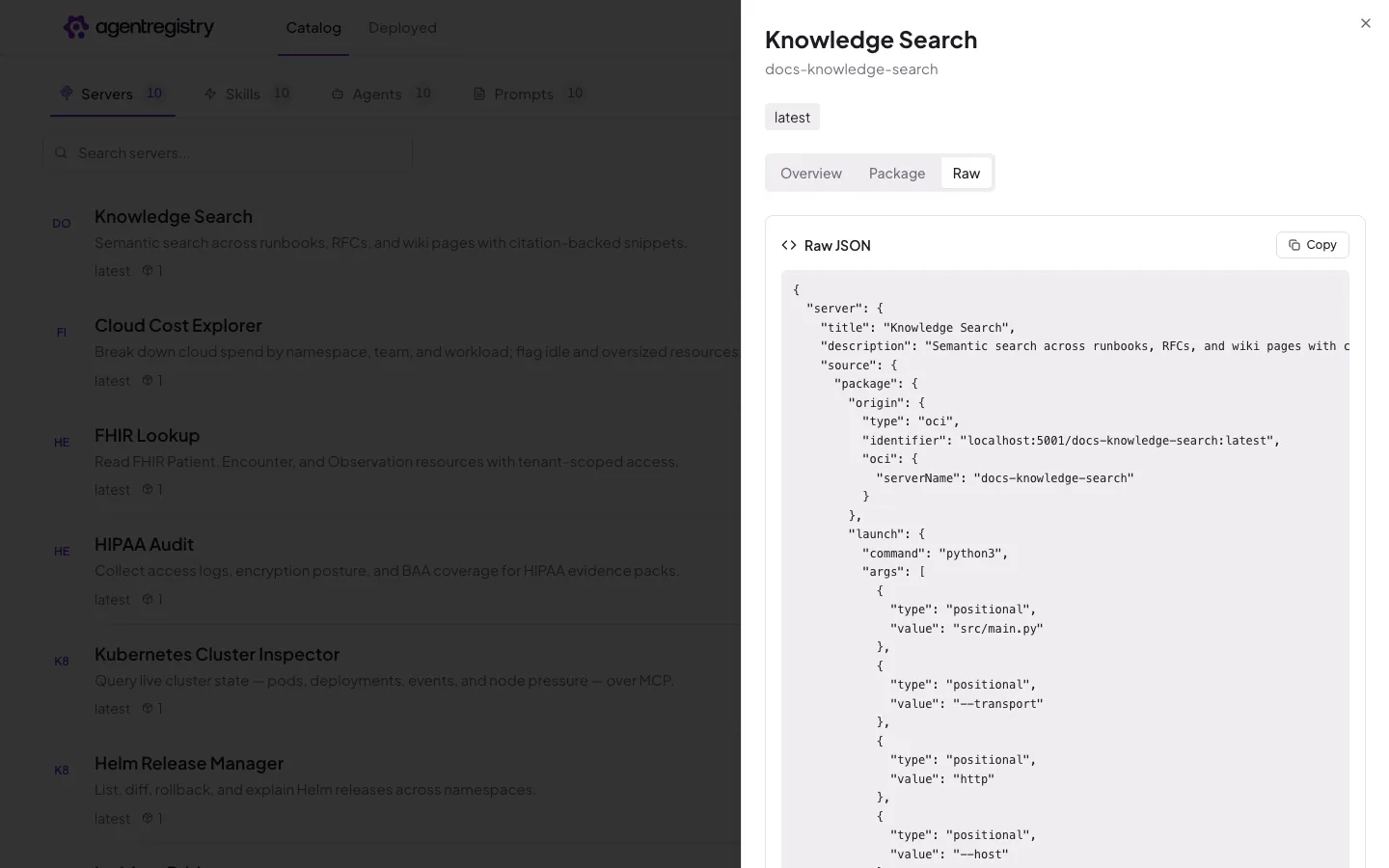
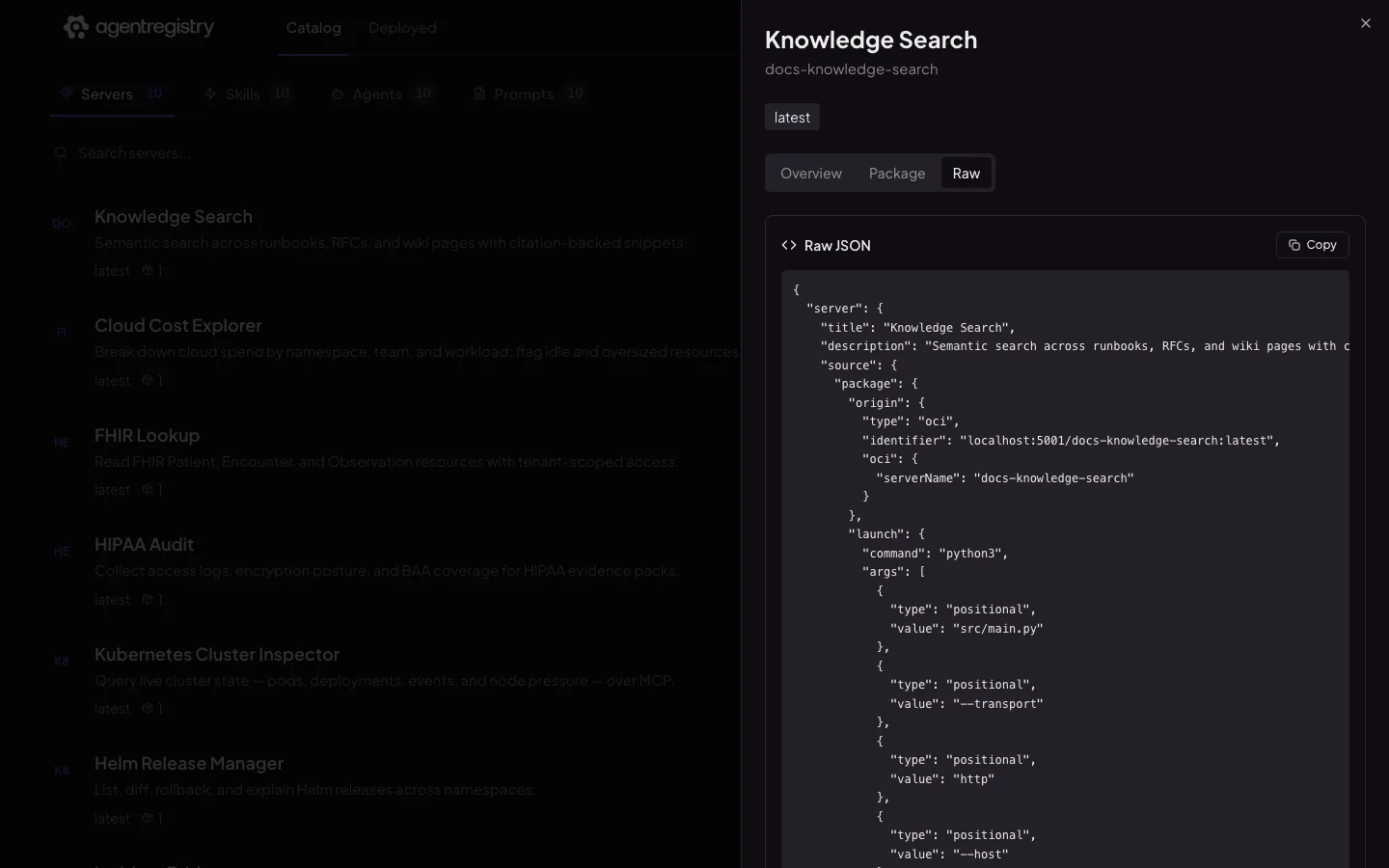
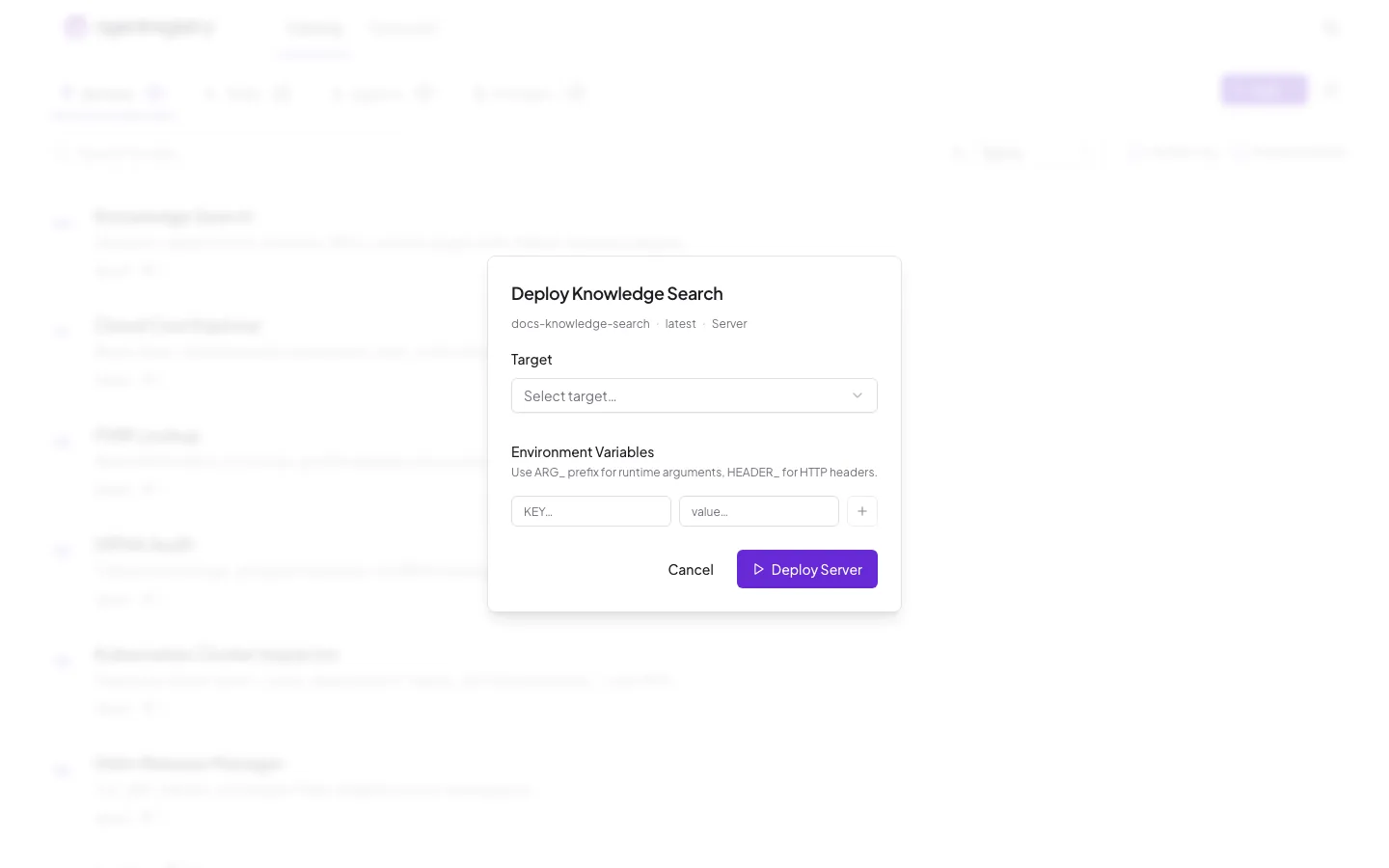
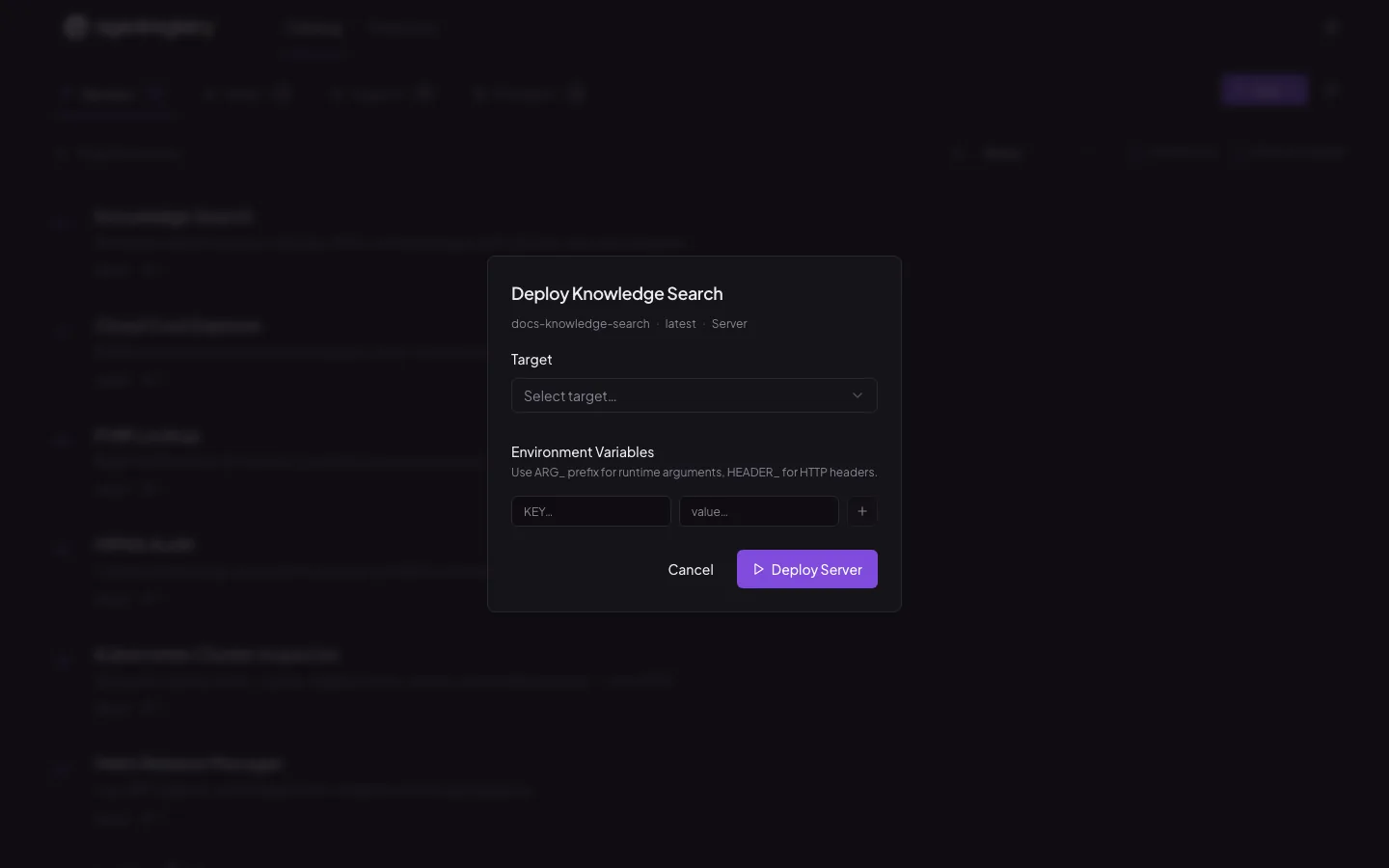
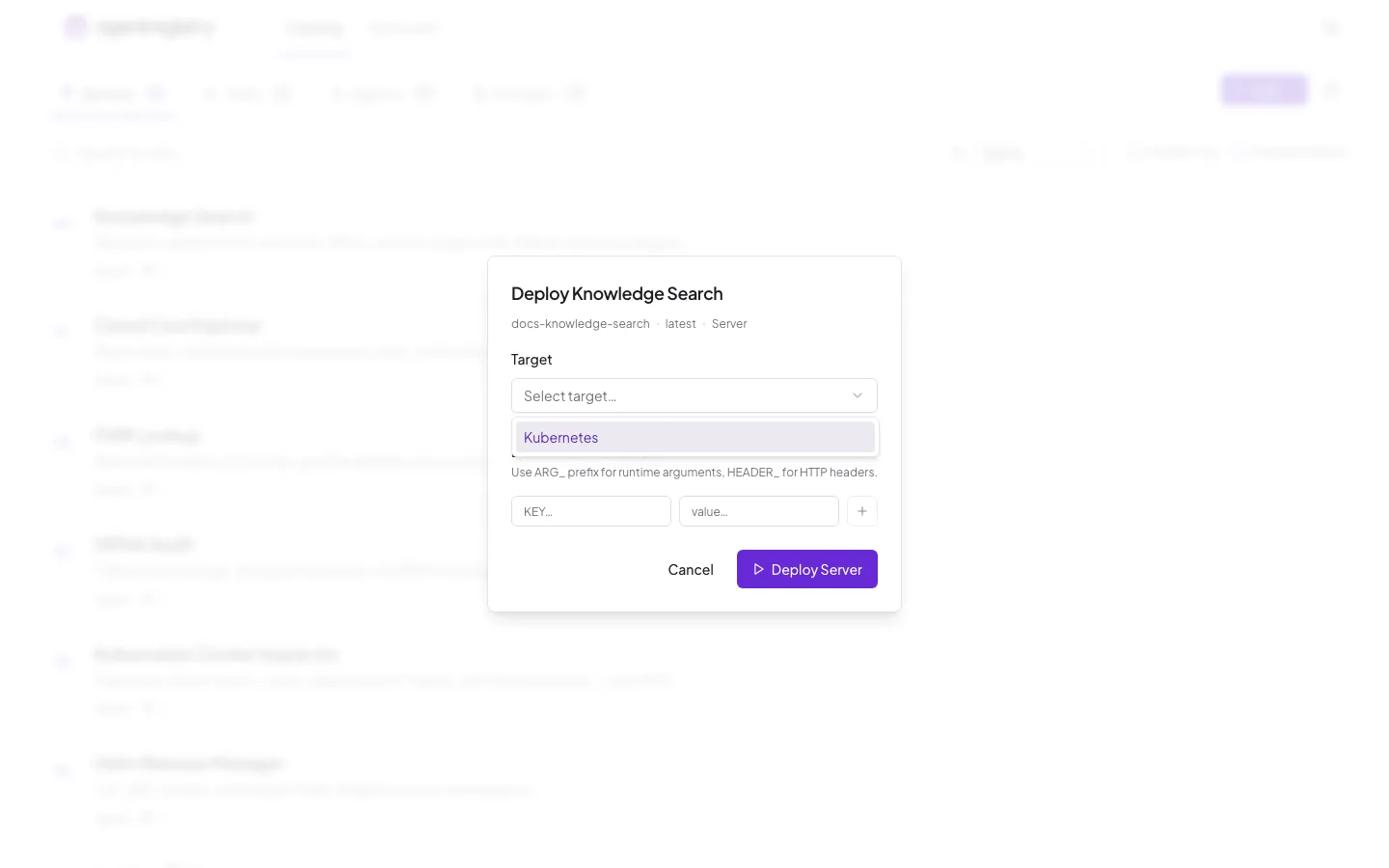
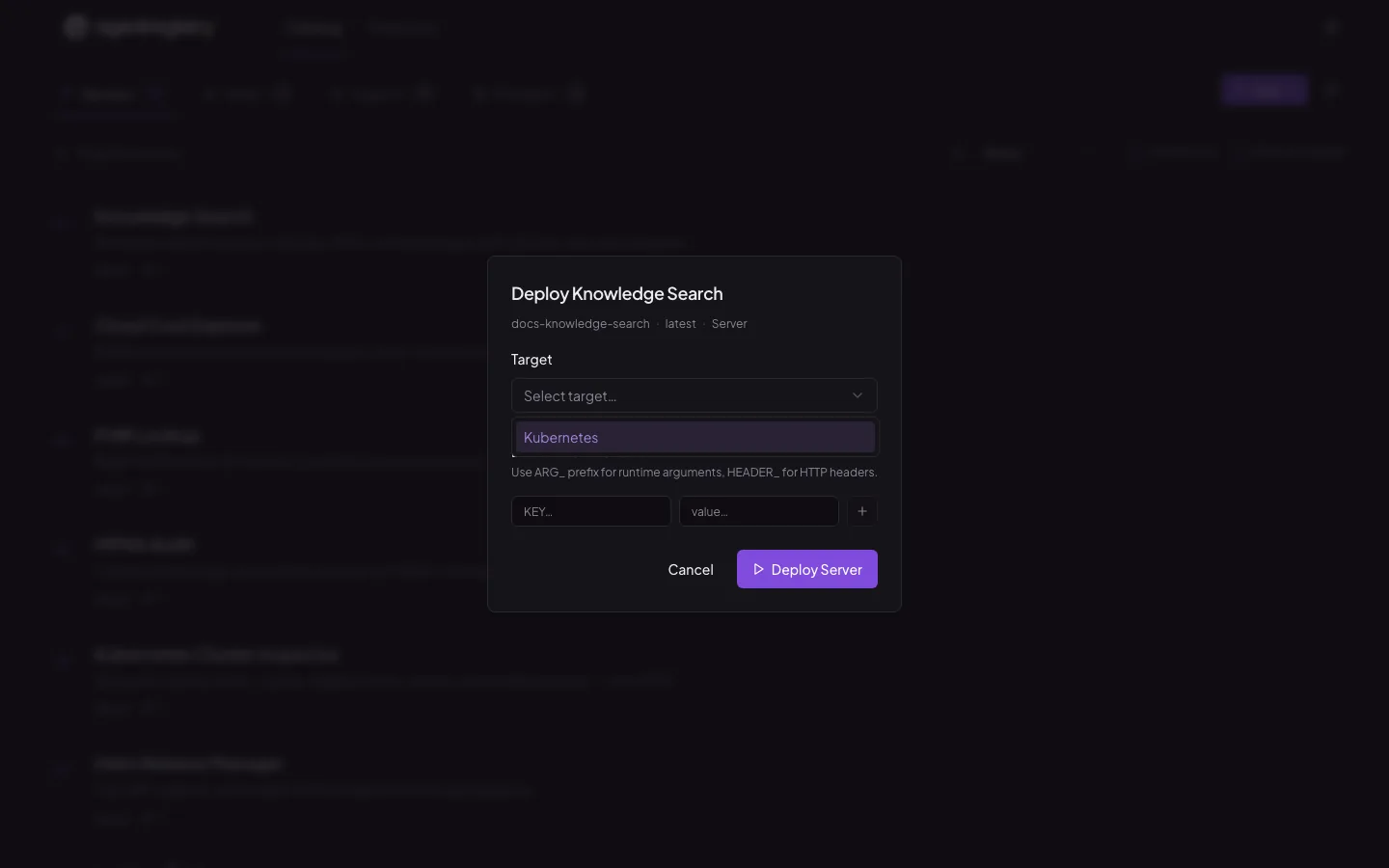
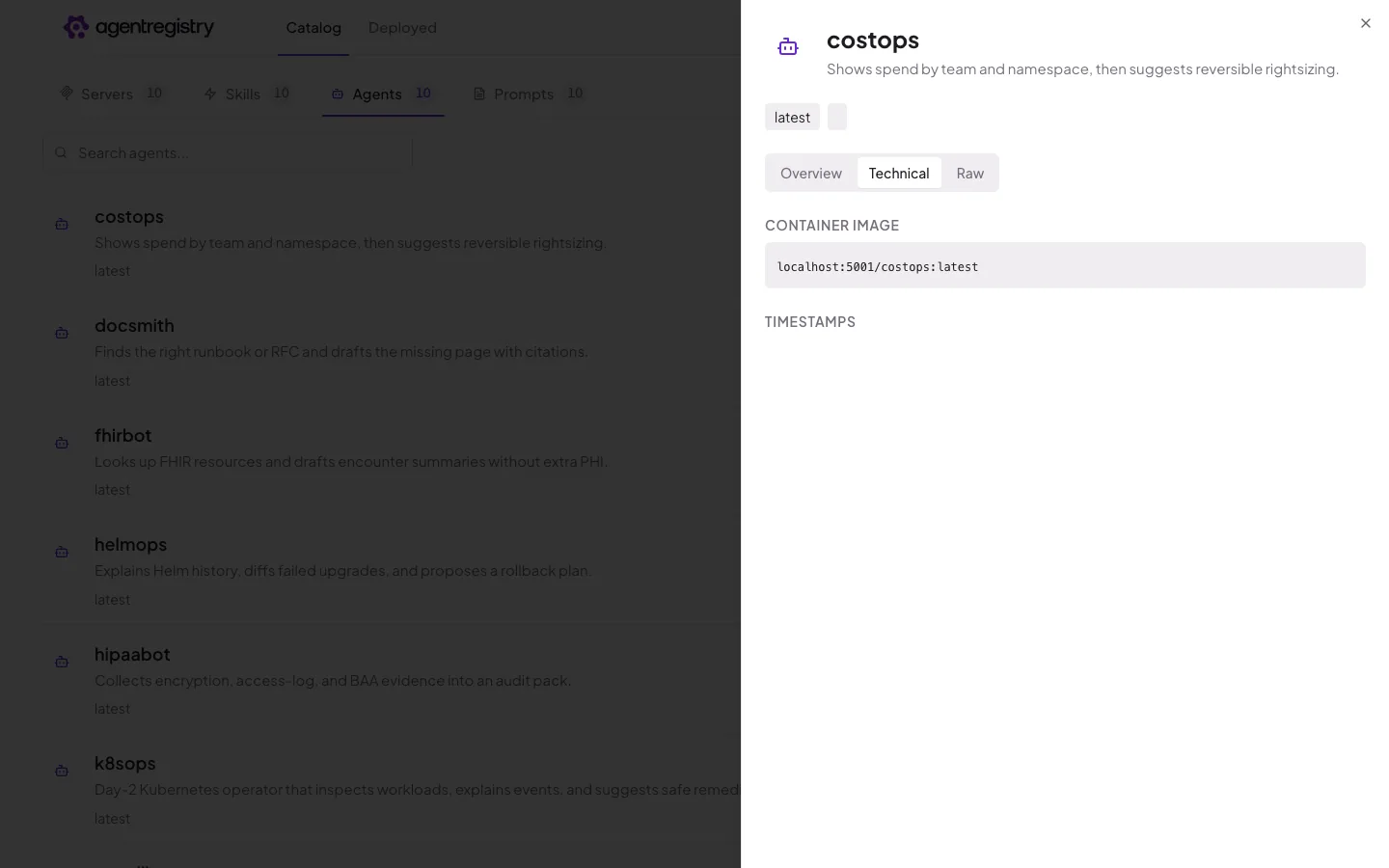
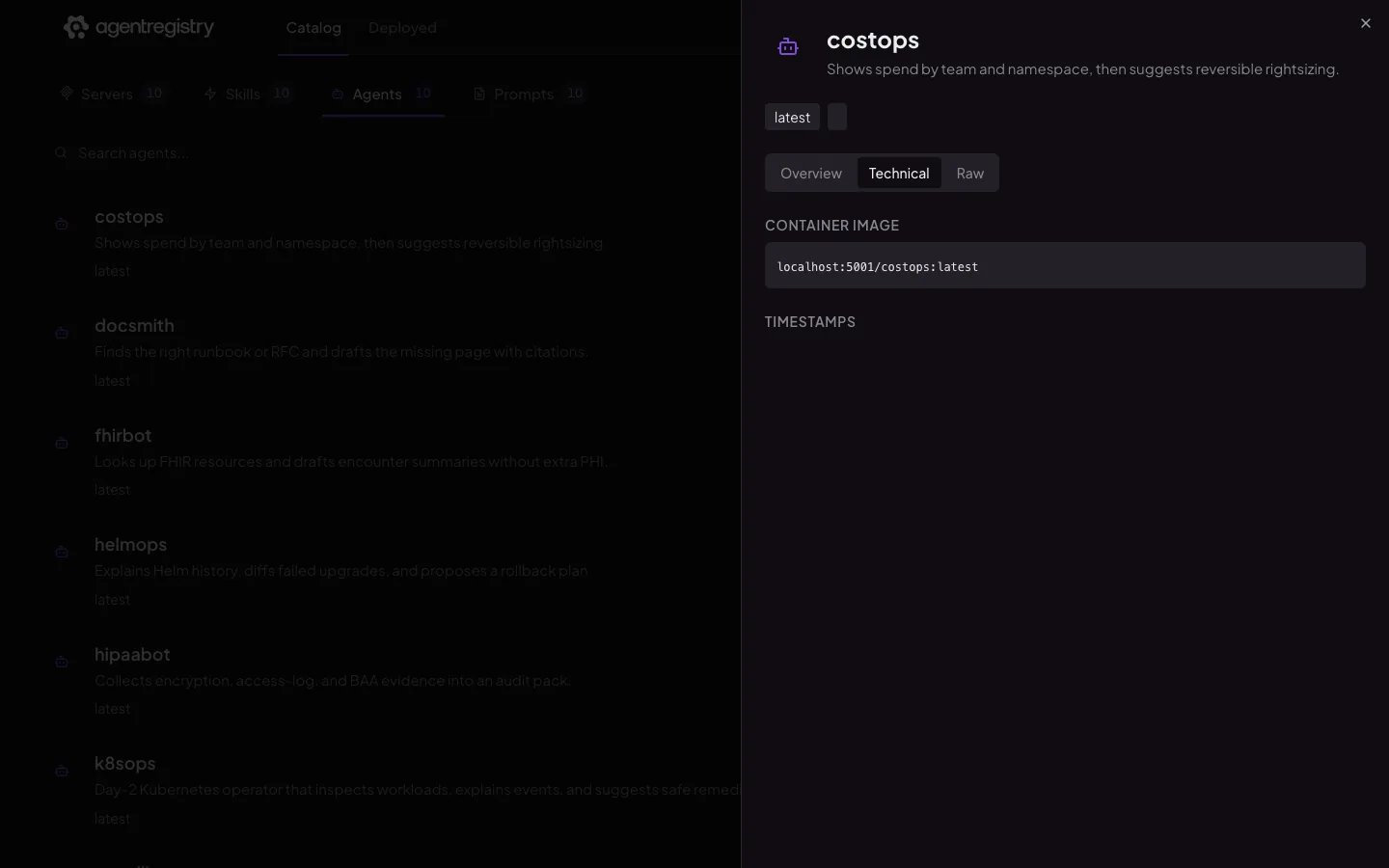
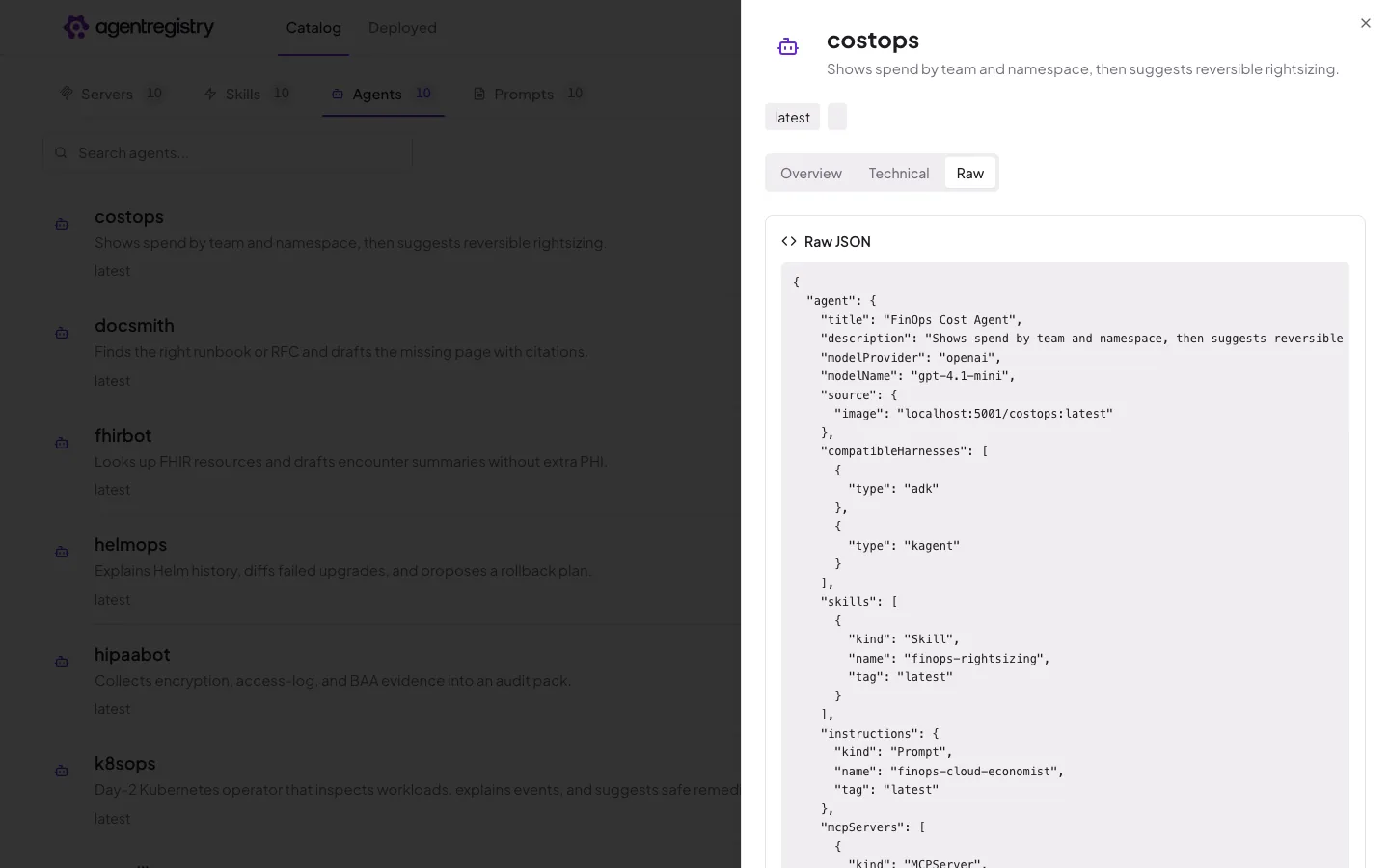
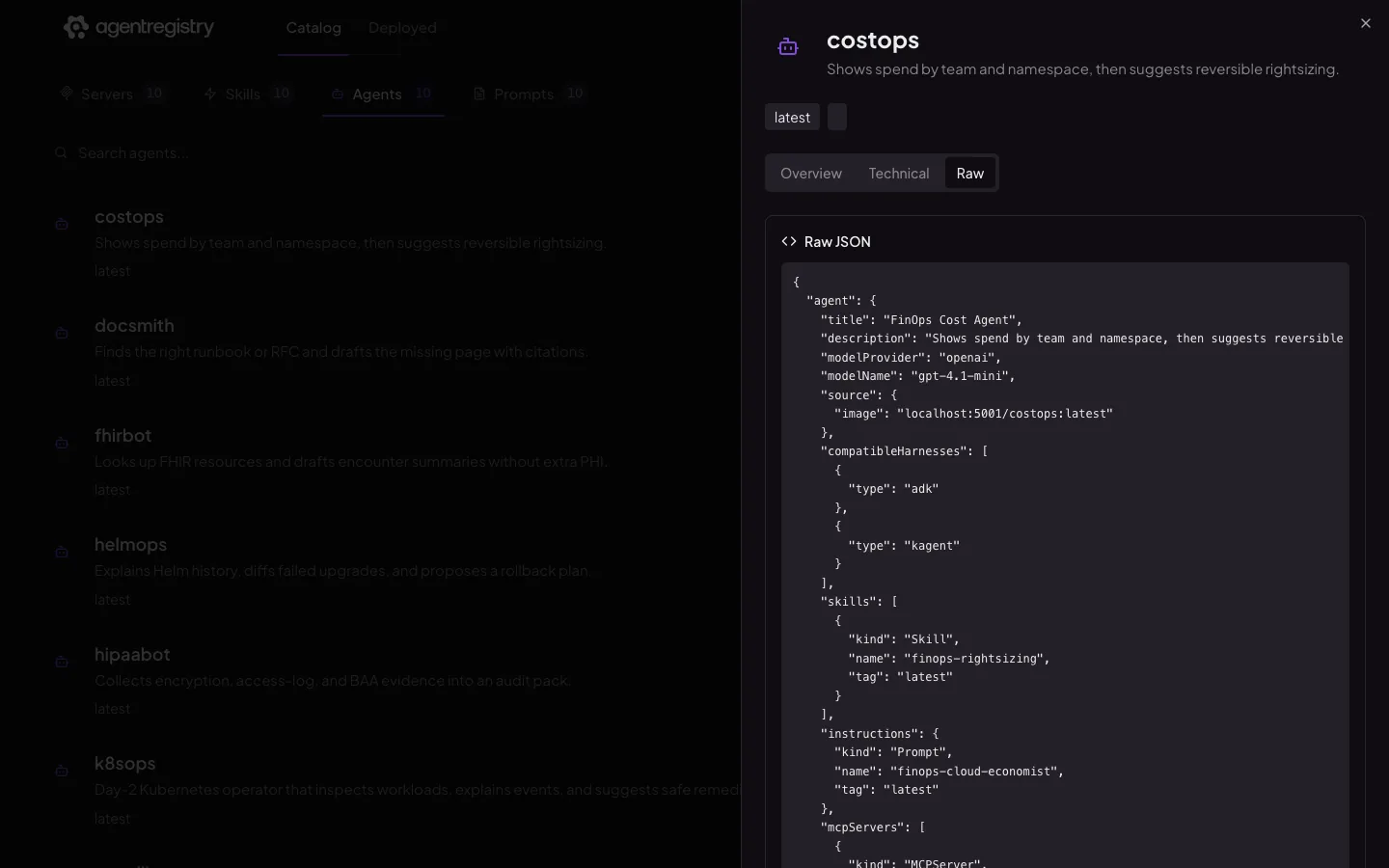
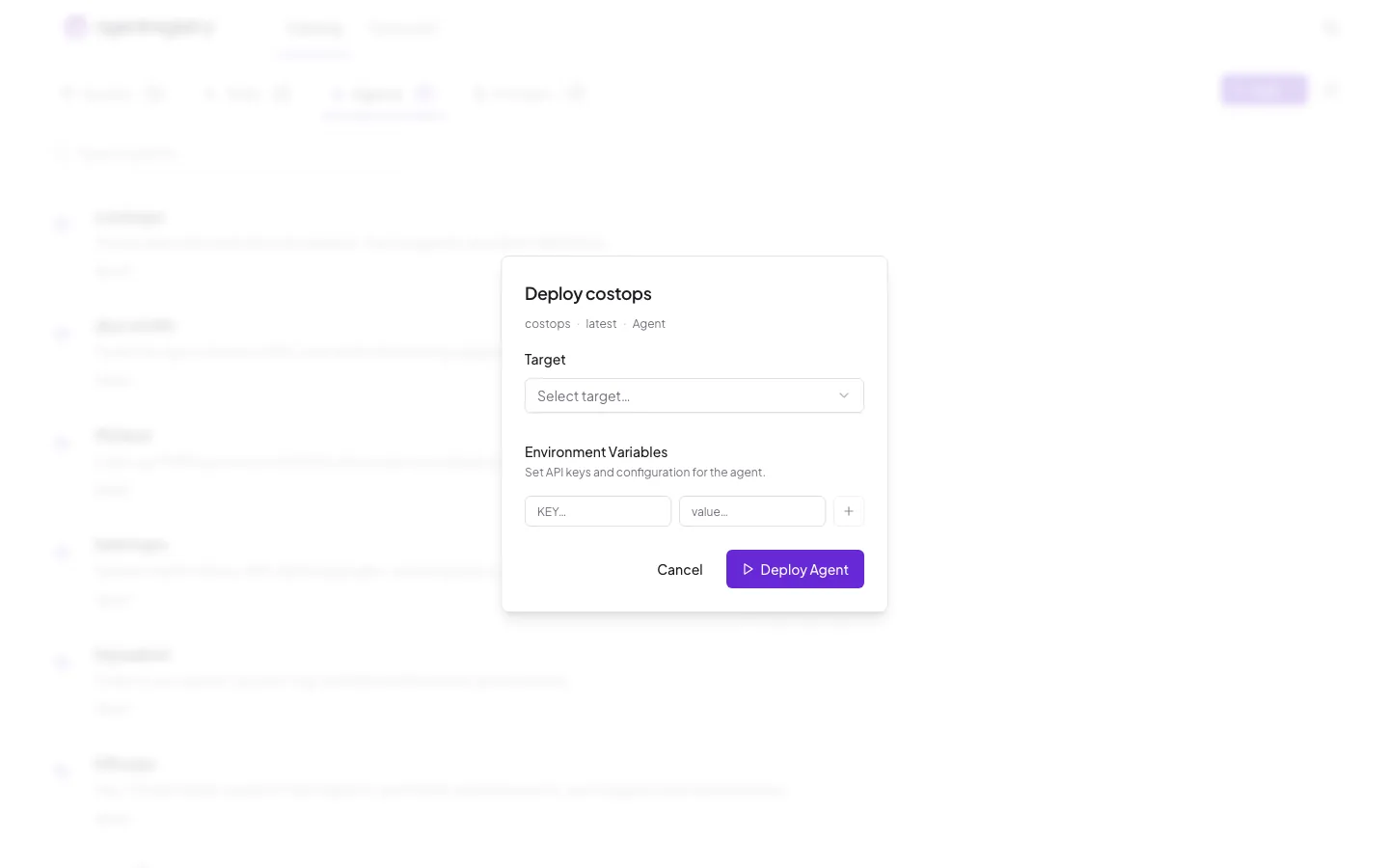
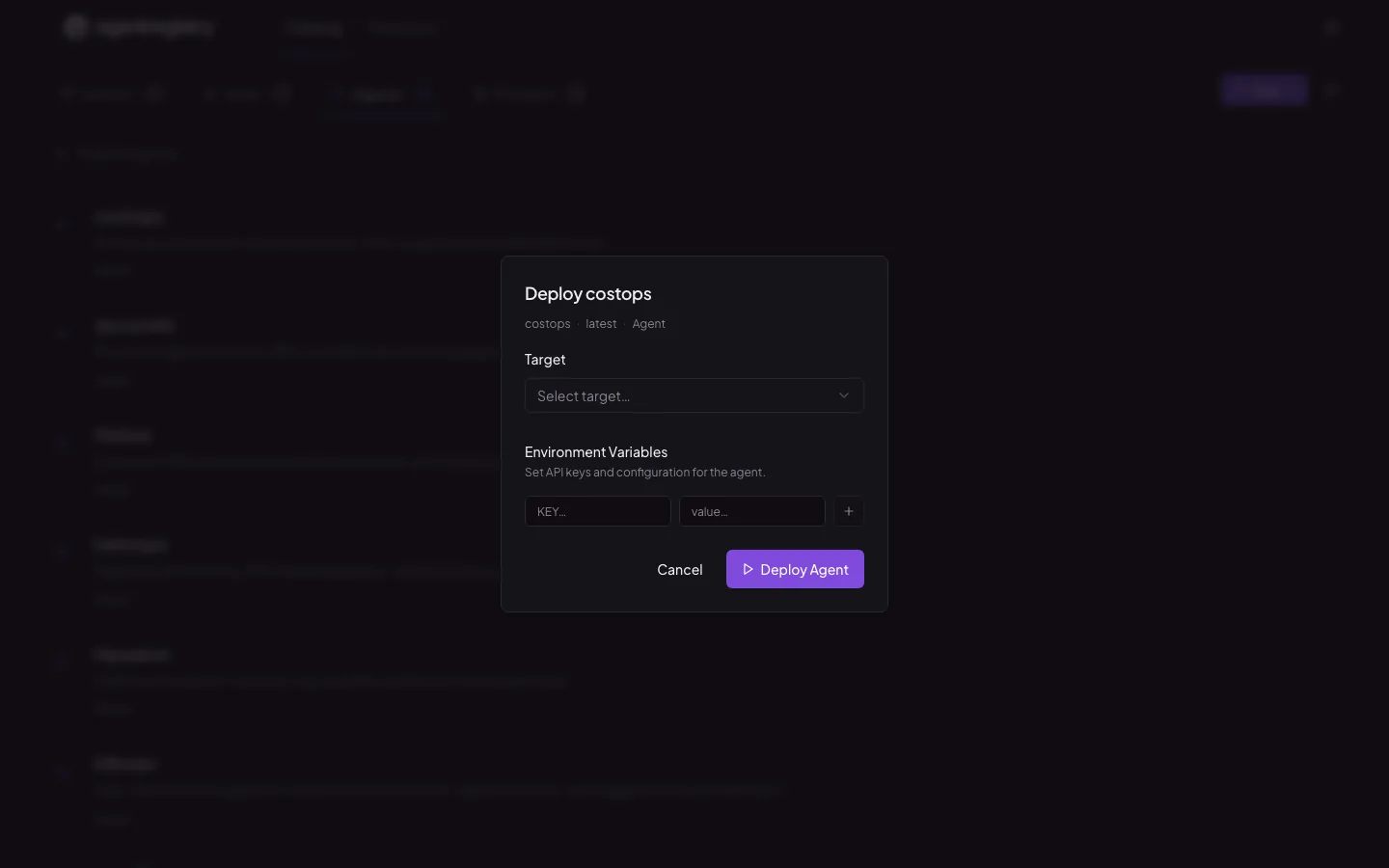
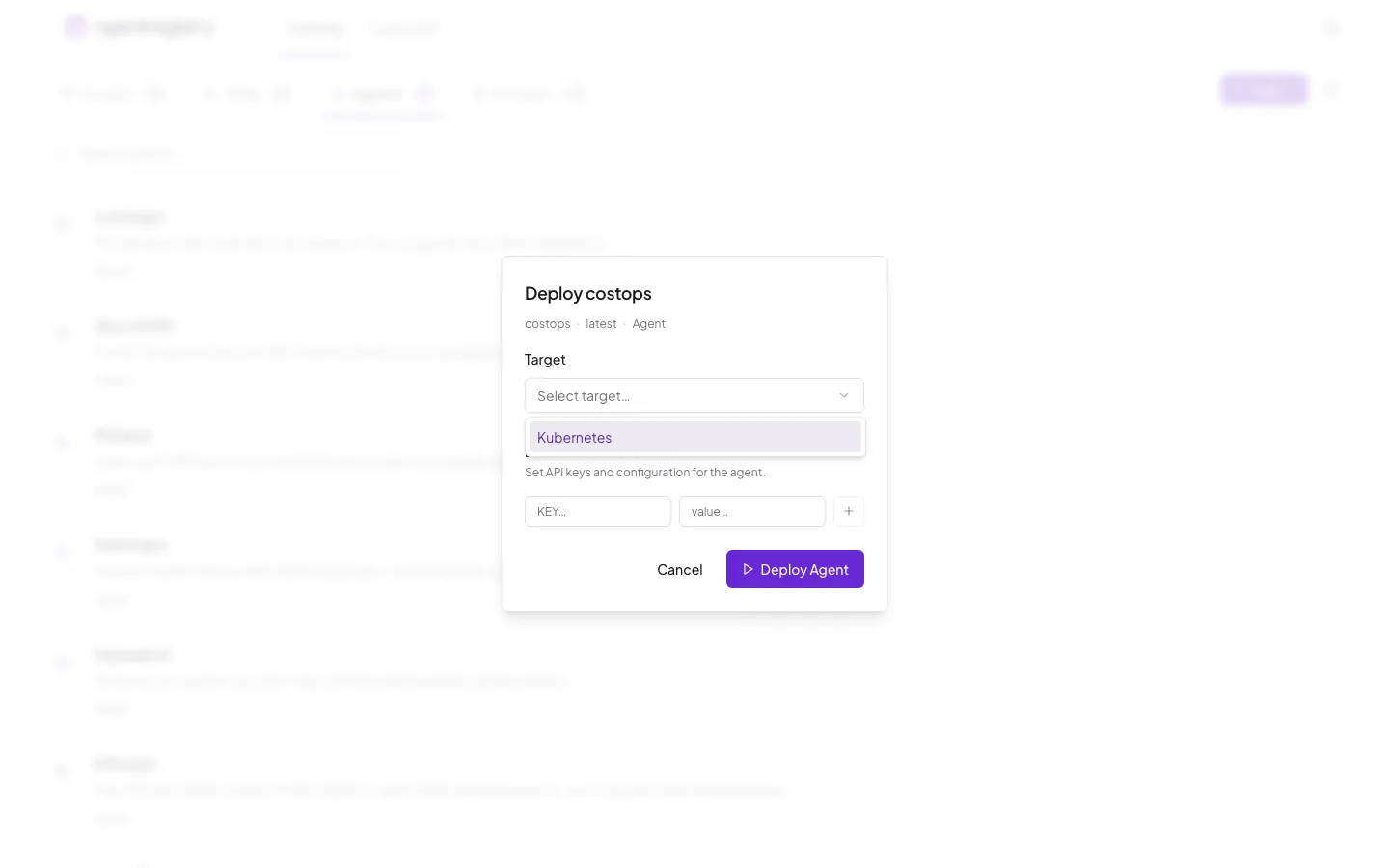
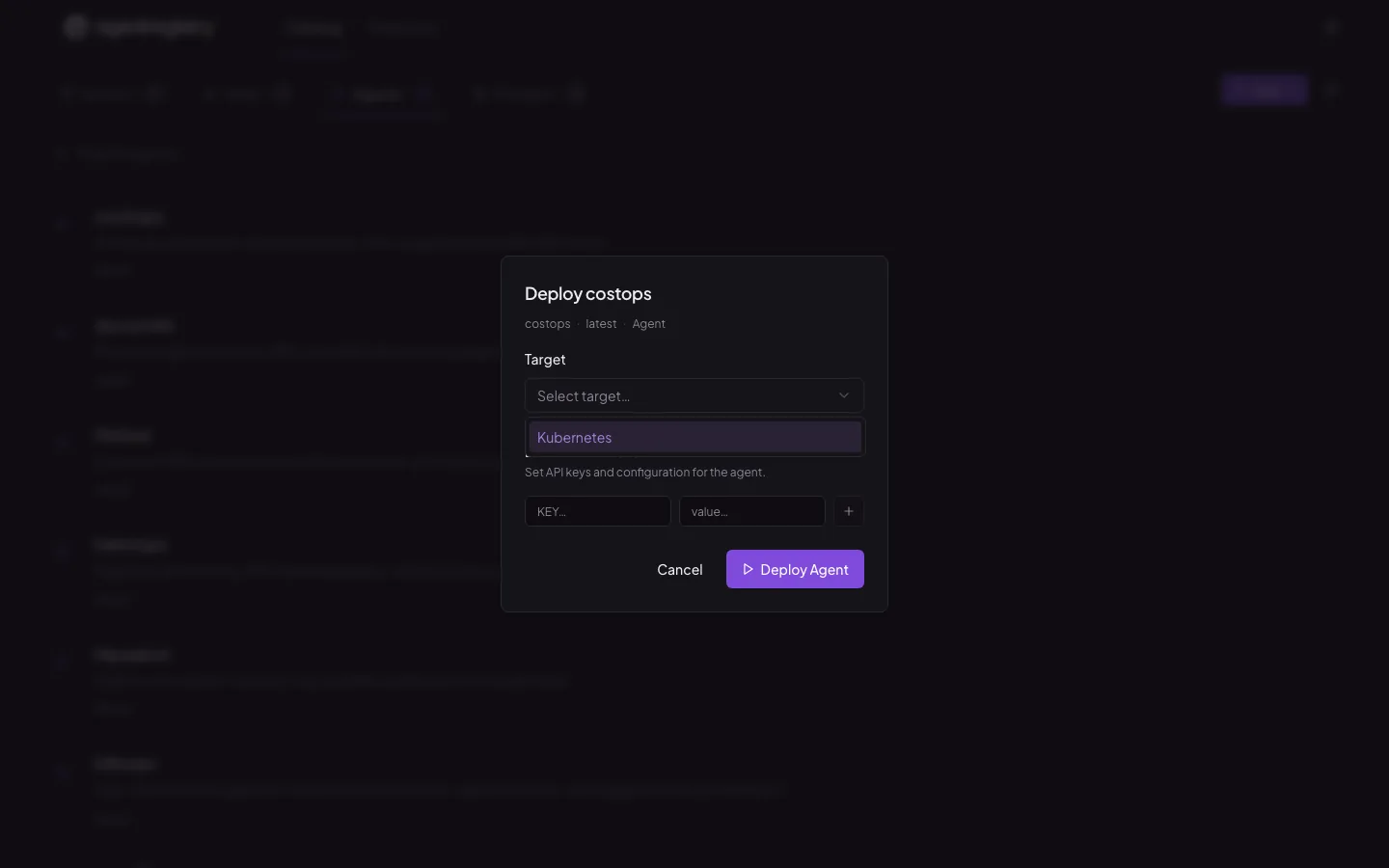
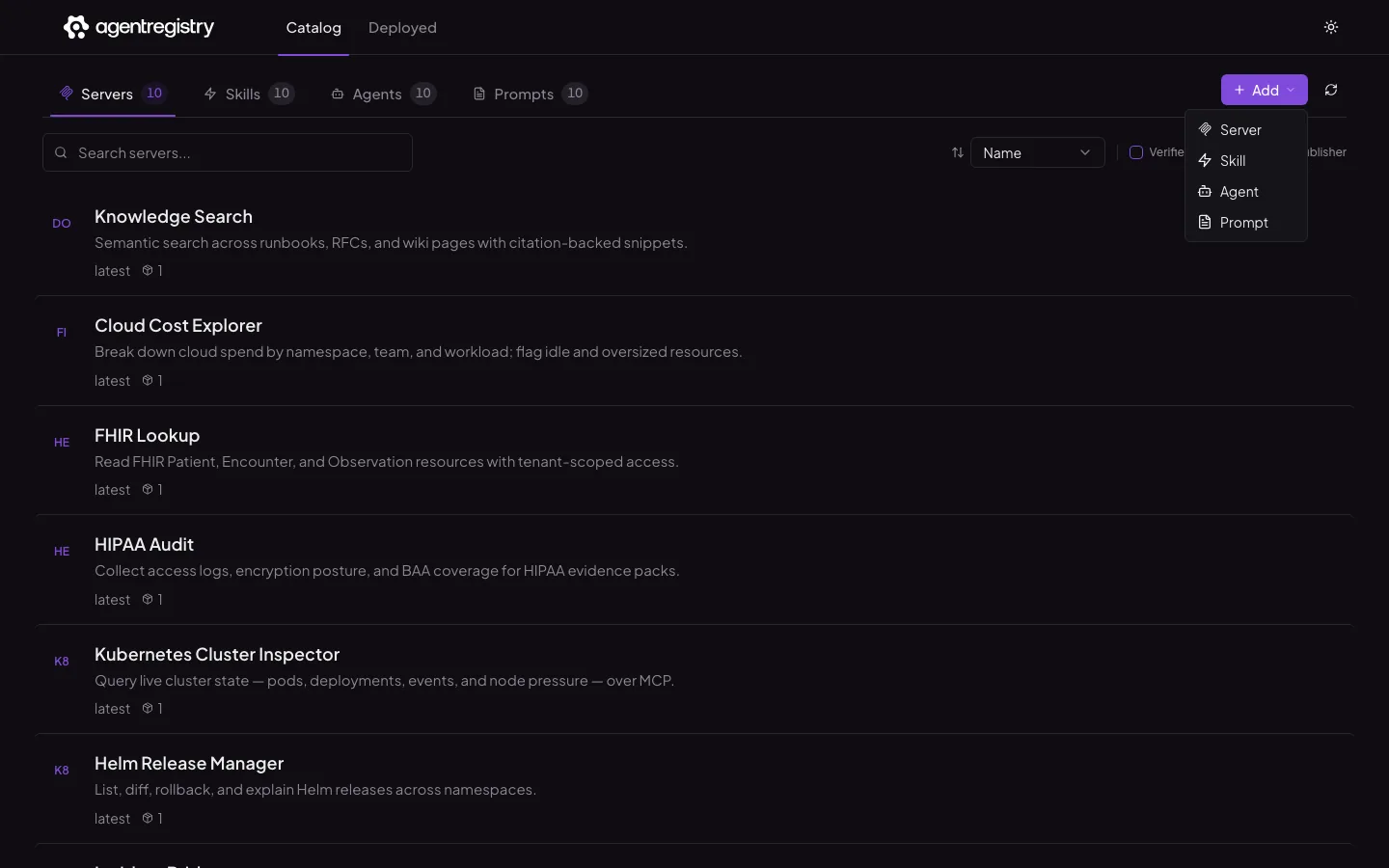
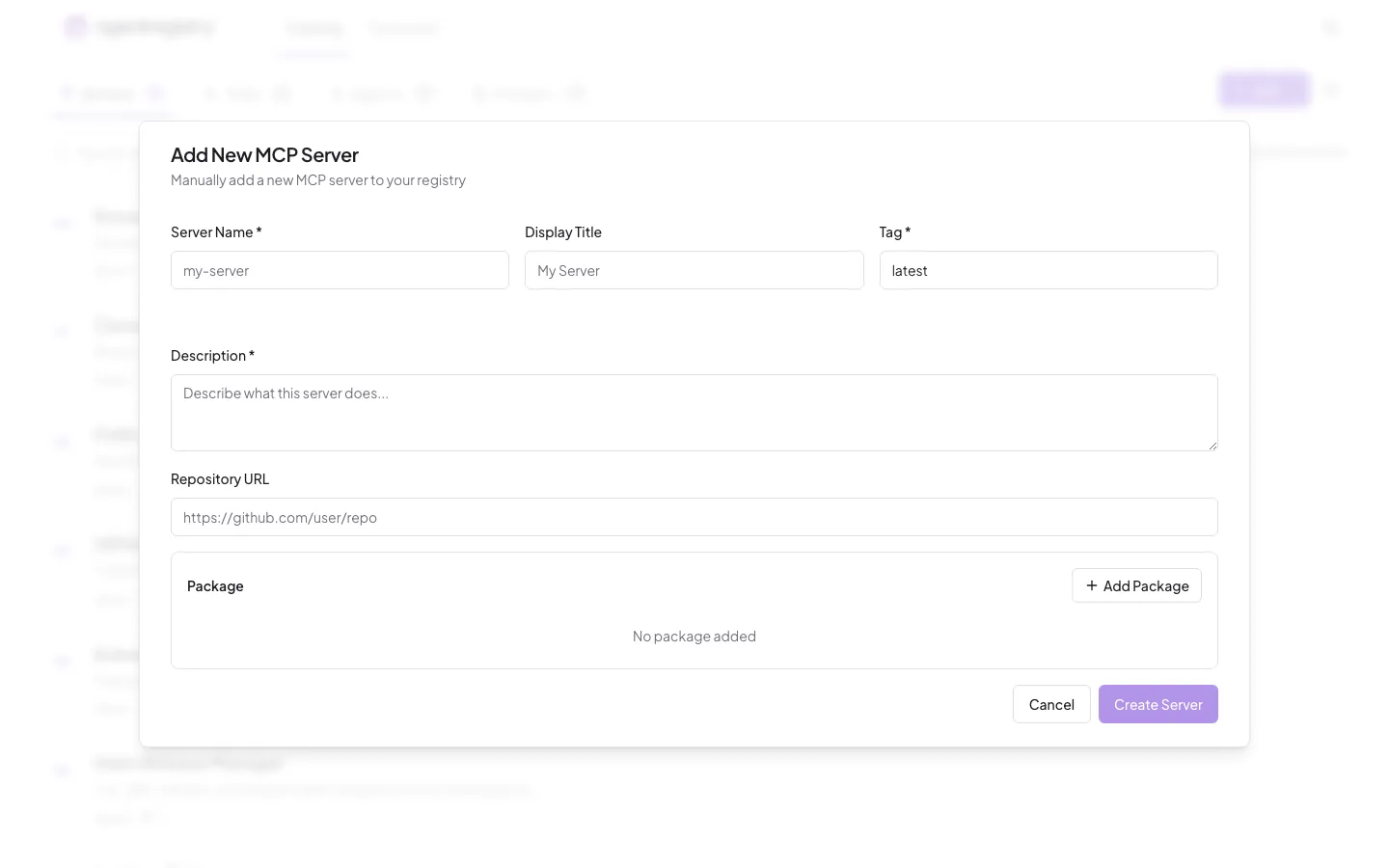
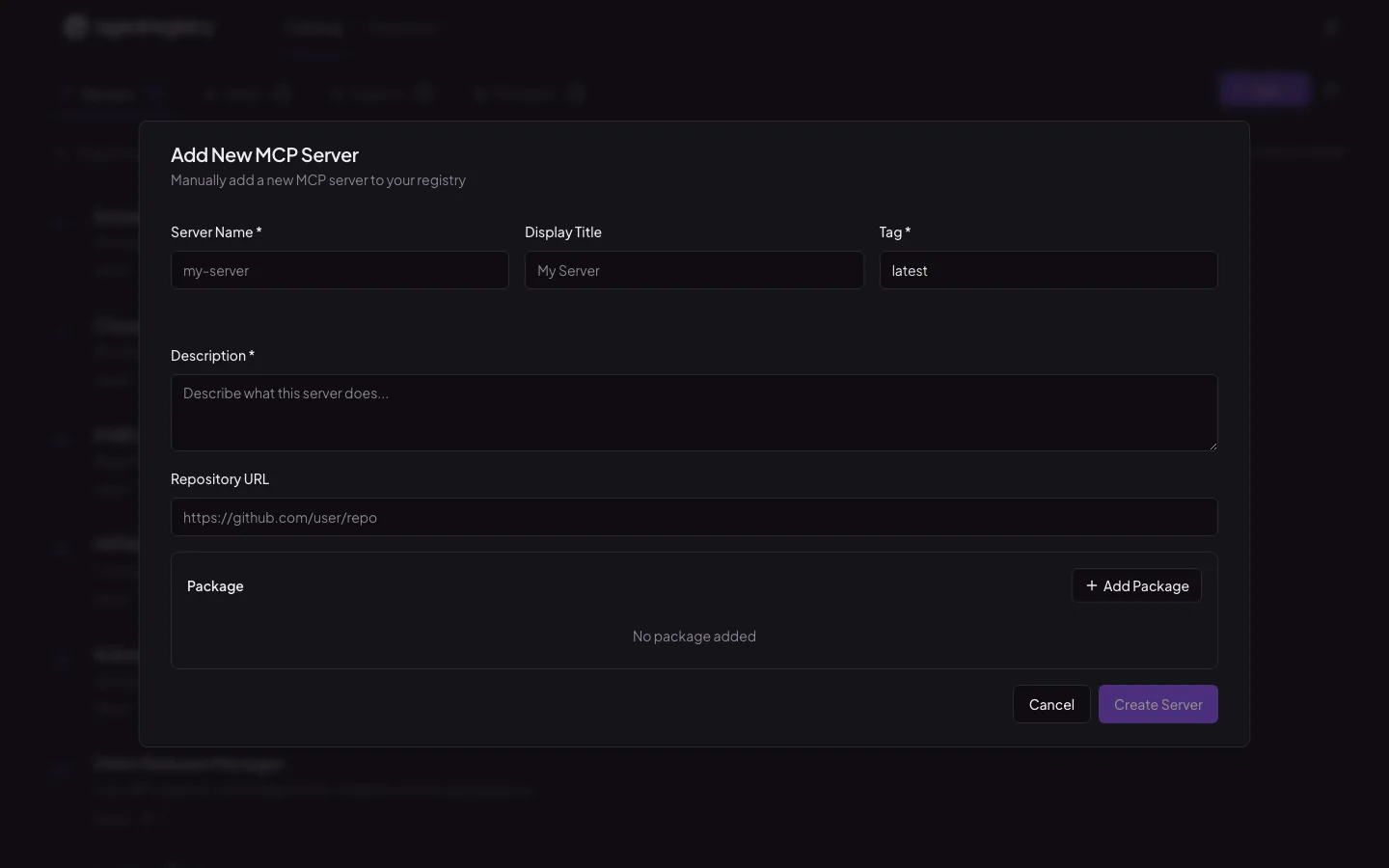
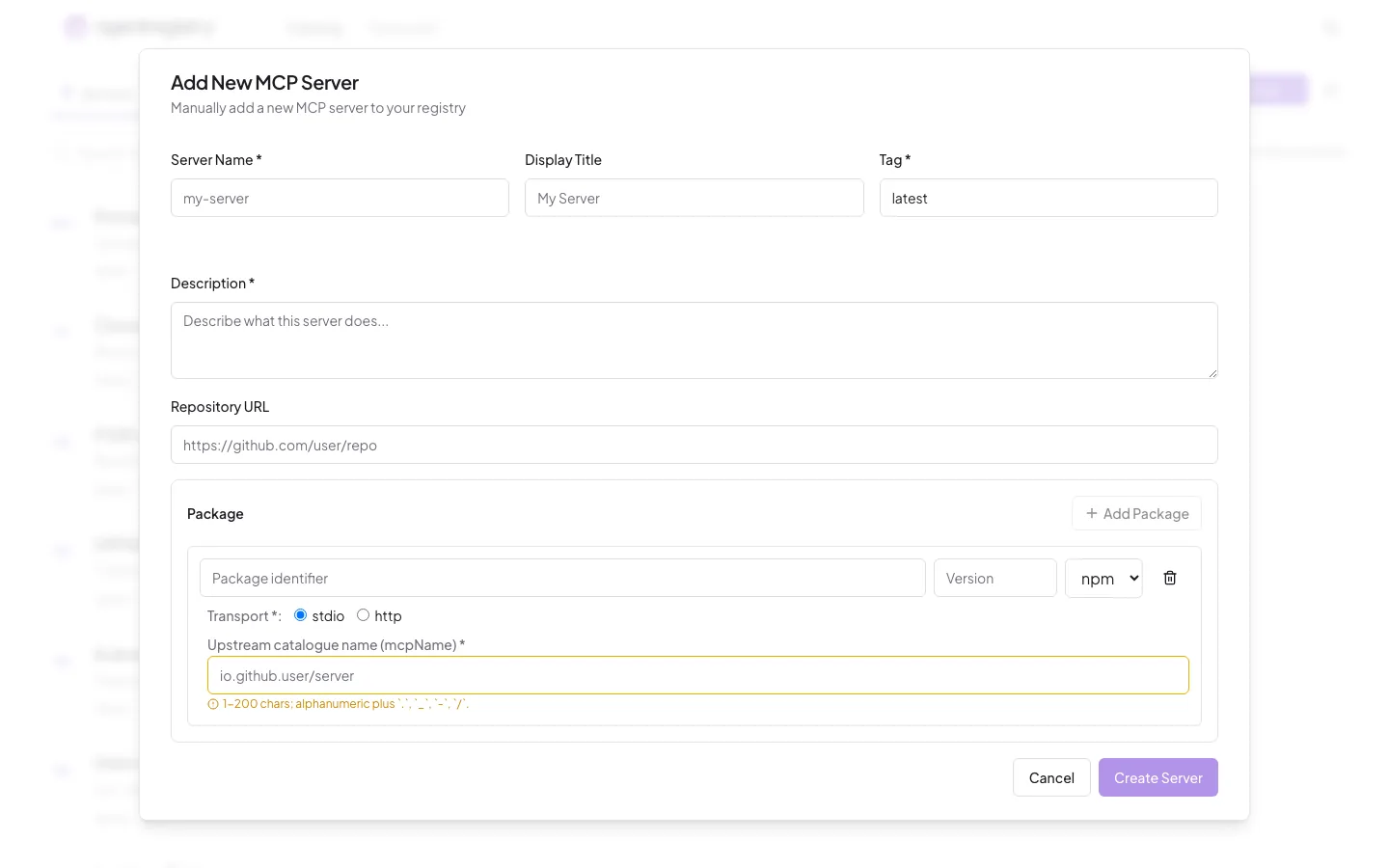
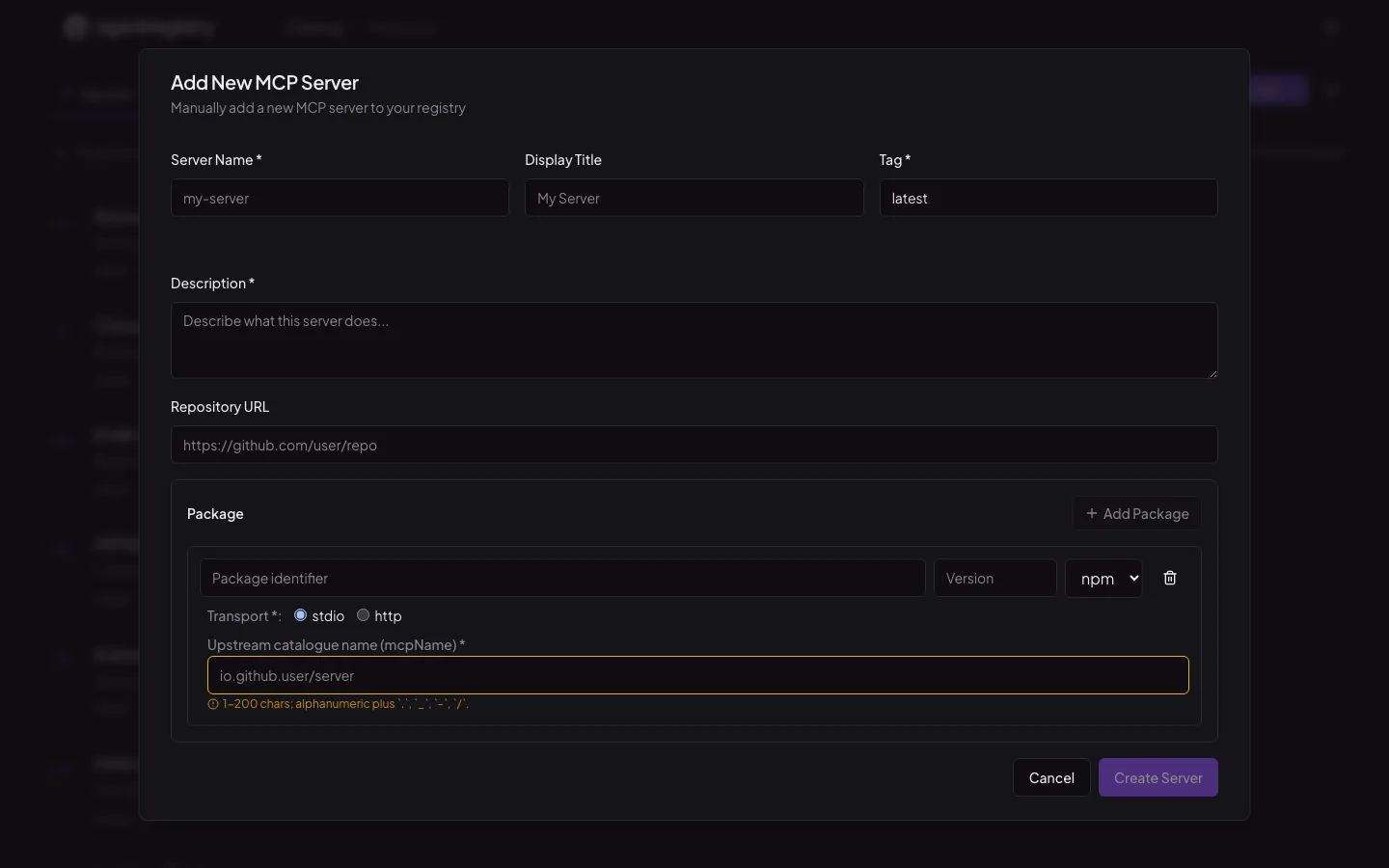
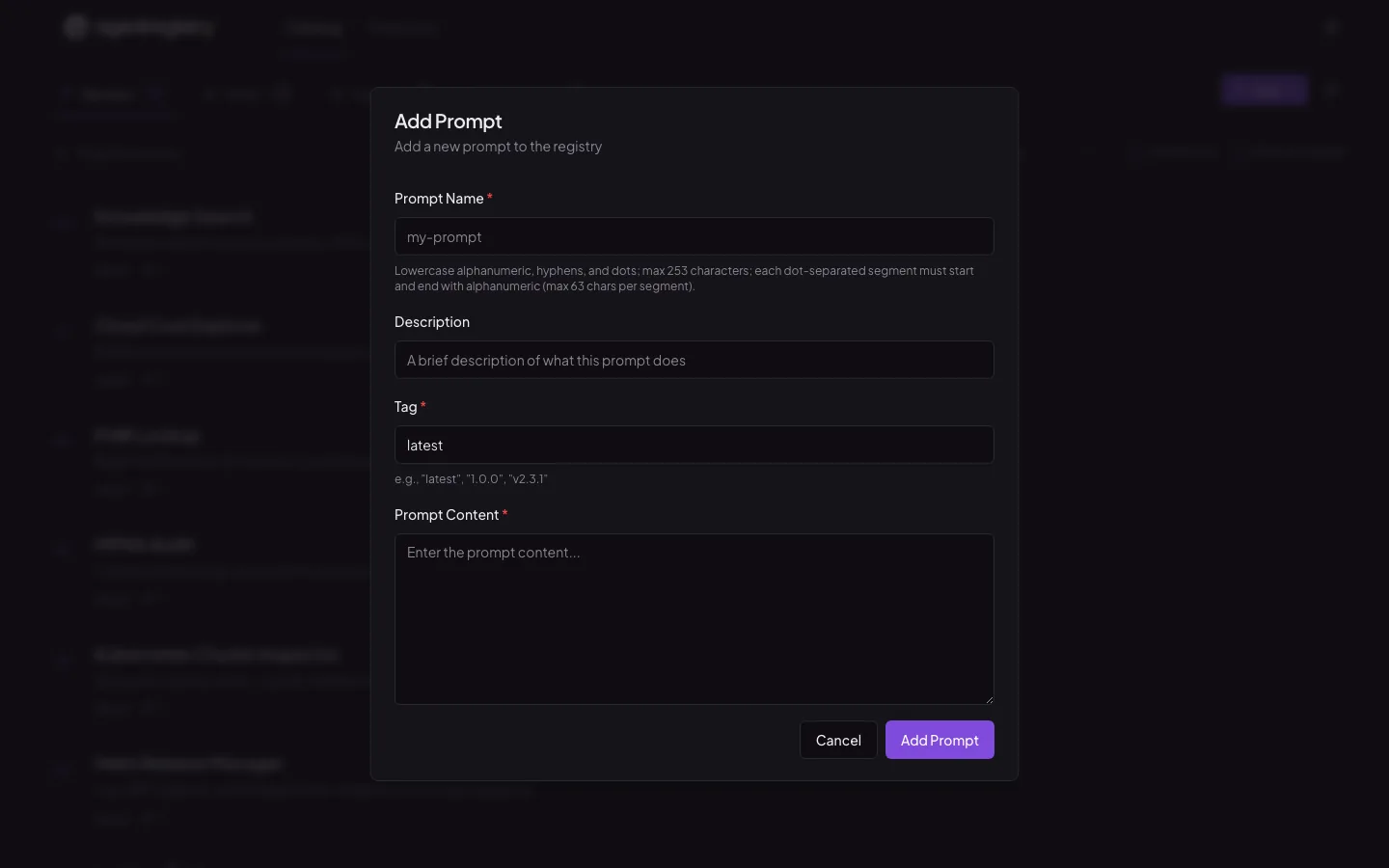
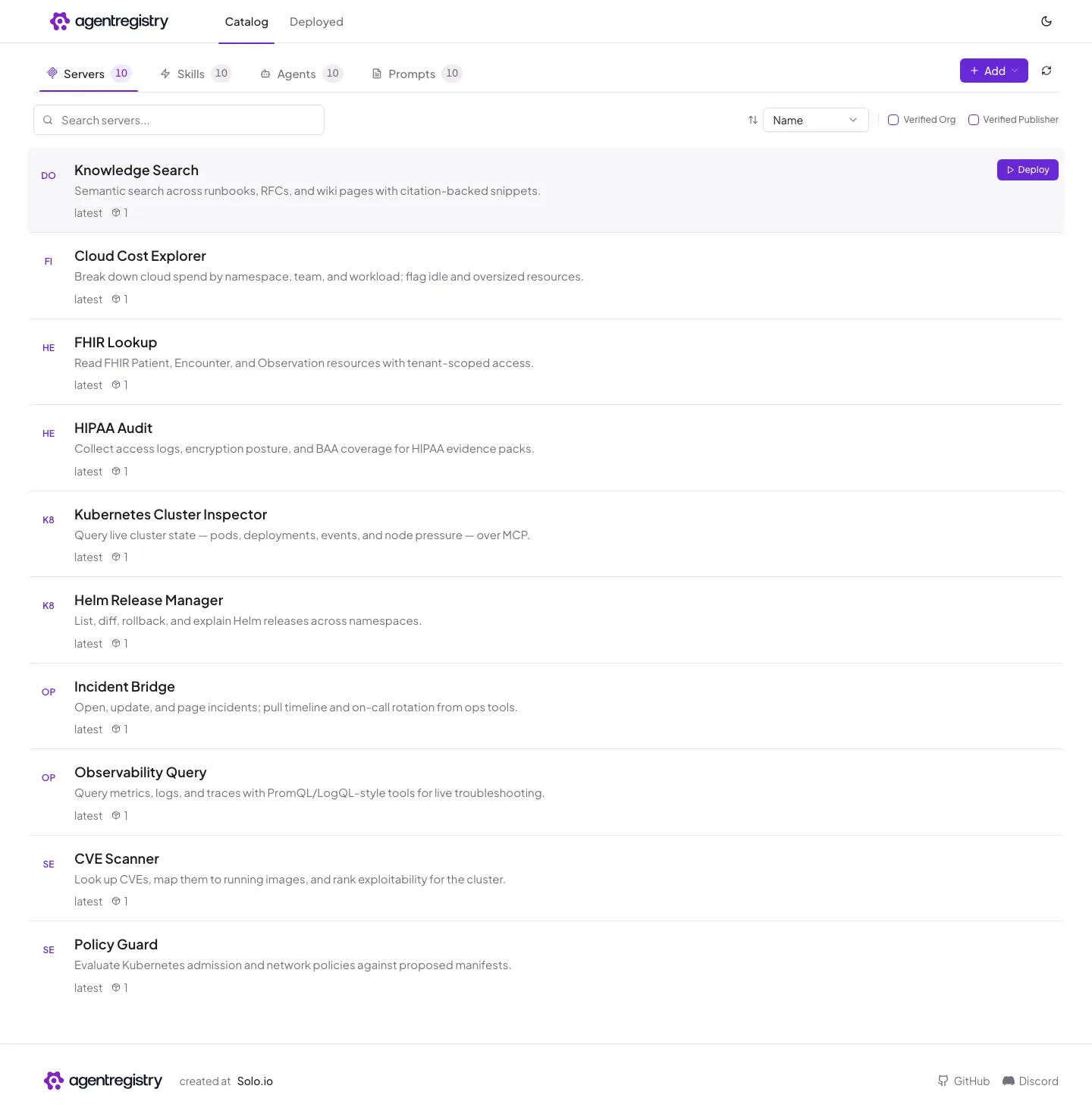
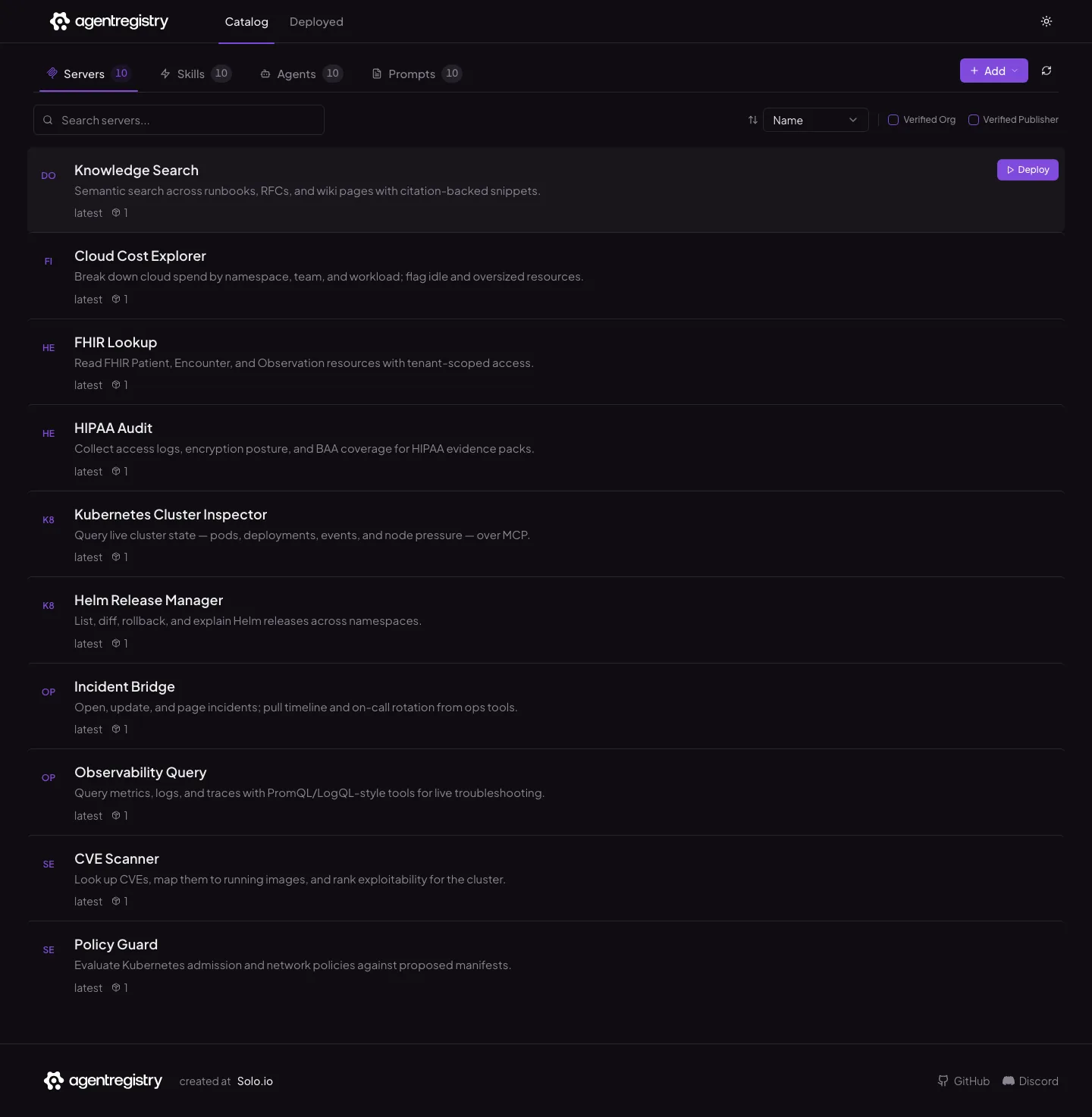
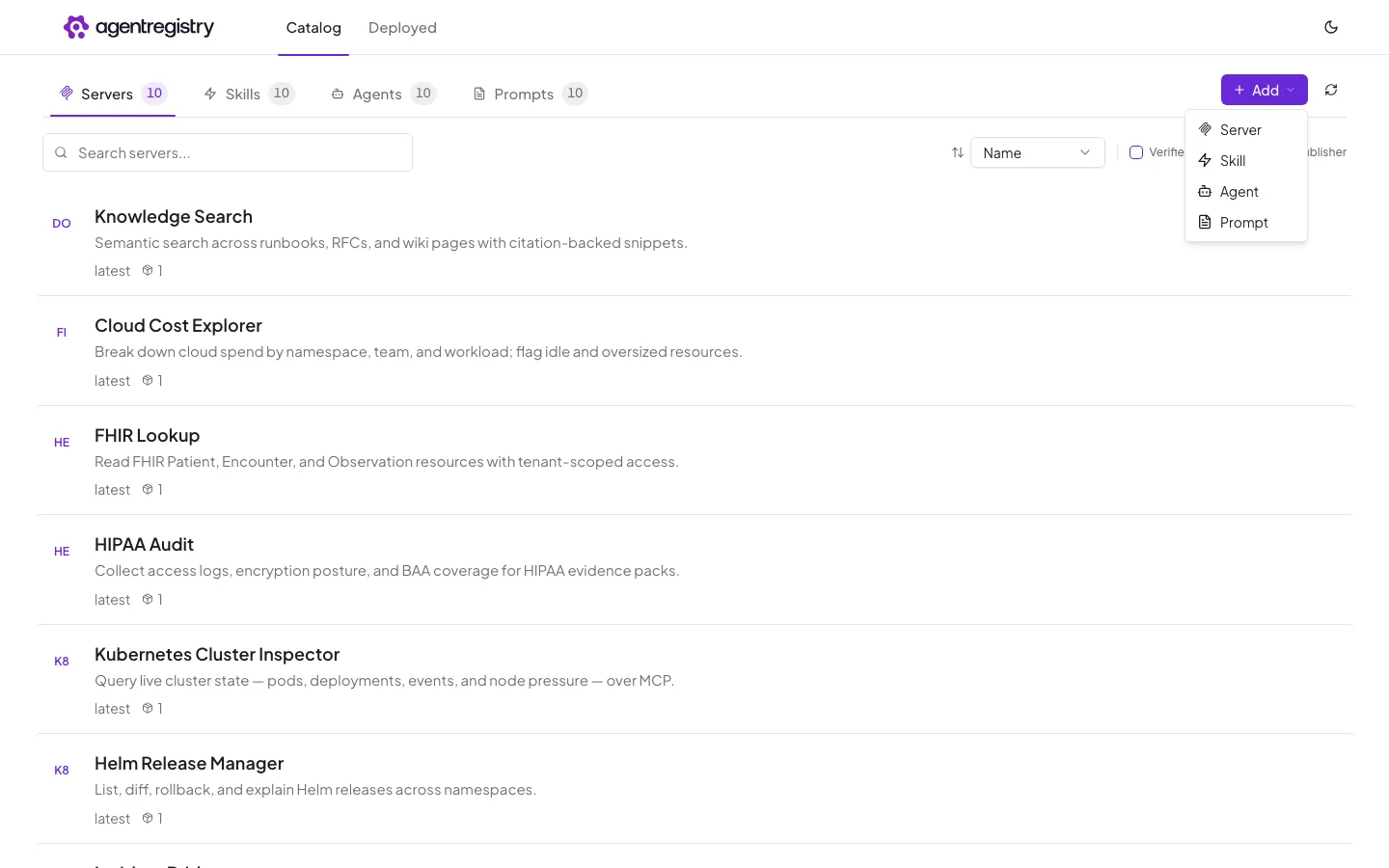
Browse and search the catalog, manage artifacts, and deploy agents and MCP servers into a connected cluster — without leaving the browser.
registry.acme.dev / catalog / servers
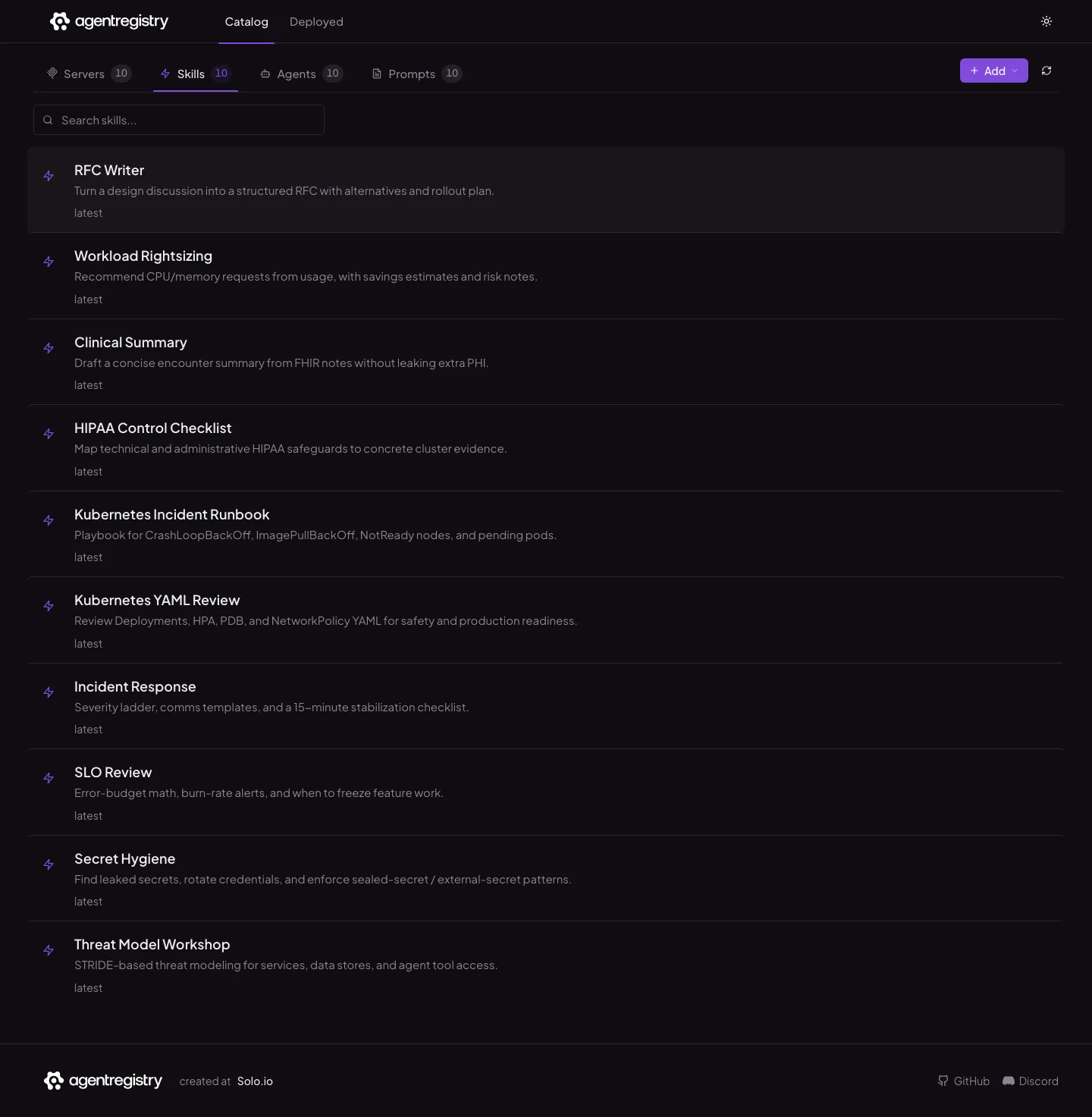
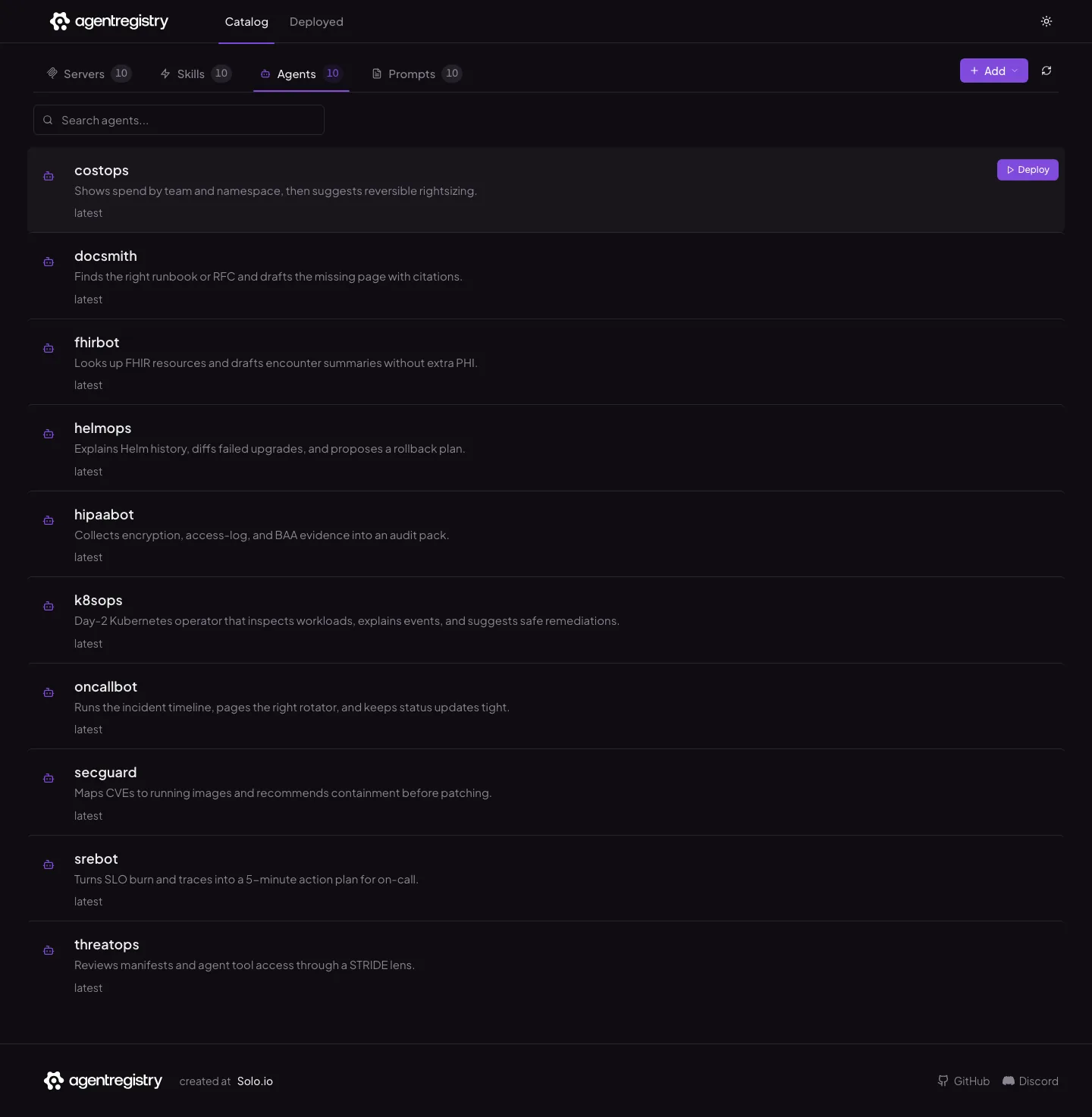
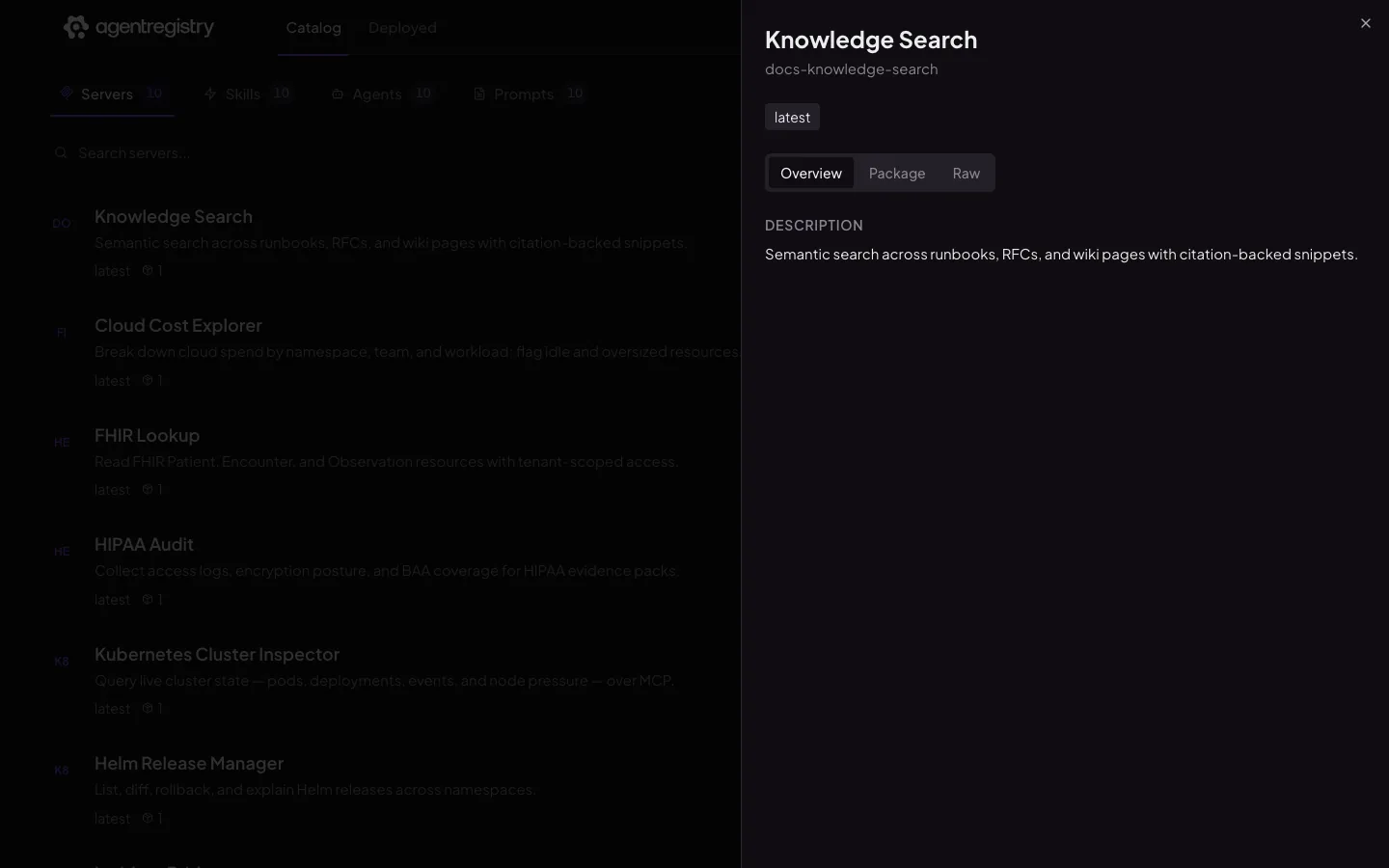
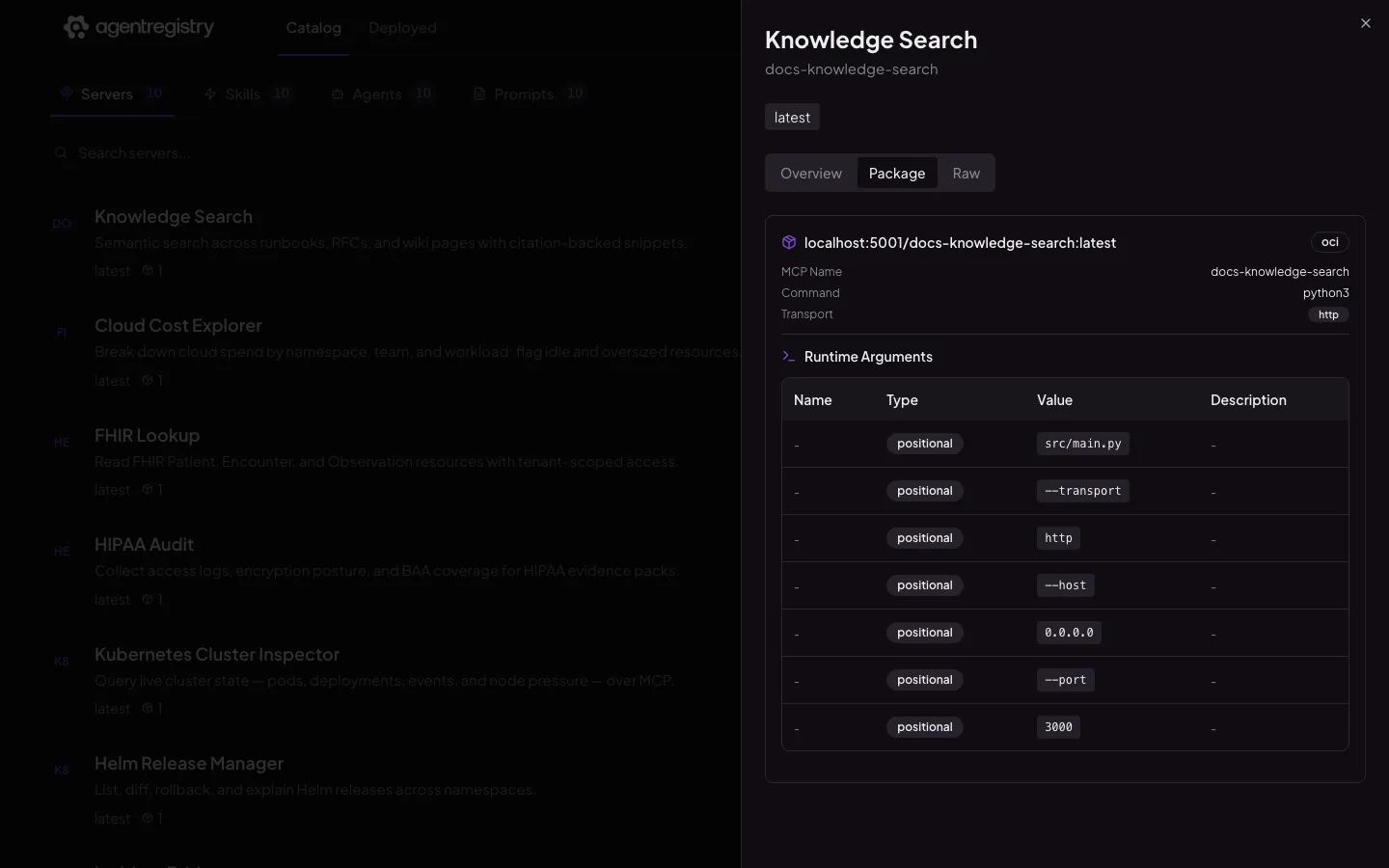
The agentregistry web UI — Servers

Click around the window — tabs, rows, detail tabs, Deploy, and Add all work like the real UI, and the lists scroll.

Registry UI Browse the catalog, manage artifacts, deploy agents and MCP servers.
arctl CLI Scaffold, build, publish, pull, deploy — and script it all in CI/CD.
REST API The same capabilities as the UI and CLI, for your own portals.

Ship your first agent in five minutes.

Install the control plane with Helm, connect kagent as a runtime, then deploy an approved MCP server from the UI. Your IDE picks it up through the registry MCP server.
  1. 01
    Install on Kubernetes Helm installs the registry server and PostgreSQL into the agentregistry namespace.
  2. 02
    Connect a runtime Install kagent in the cluster. The built-in kubernetes-default runtime deploys agents and MCP servers through it.
  3. 03
    Open the UI and deploy Port-forward 12121, browse the catalog, deploy anything approved.
  4. 04
    Configure your IDE Run arctl configure cursor --port 31313 — or vscode, claude-code, kiro.
Read the full quickstart
~ — arctl
# 1. Install the control plane
helm install agentregistry \
oci://ghcr.io/agentregistry-dev/agentregistry/charts/agentregistry \
--namespace agentregistry --create-namespace
registry server ready · postgres ready
# 2. Verify the kagent-backed runtime
arctl get runtimes
NAME TYPE
kubernetes-default Kubernetes
# 3. Open the UI and the registry MCP server
kubectl port-forward -n agentregistry svc/agentregistry 12121 31313
ui: http://localhost:12121
mcp: http://localhost:31313
# 4. Wire it into your IDE
arctl configure cursor --port 31313
cursor configured for http://localhost:31313/mcp

One control plane for every AI building block.

Install once, connect your clusters, and give every developer one place to discover and deploy.